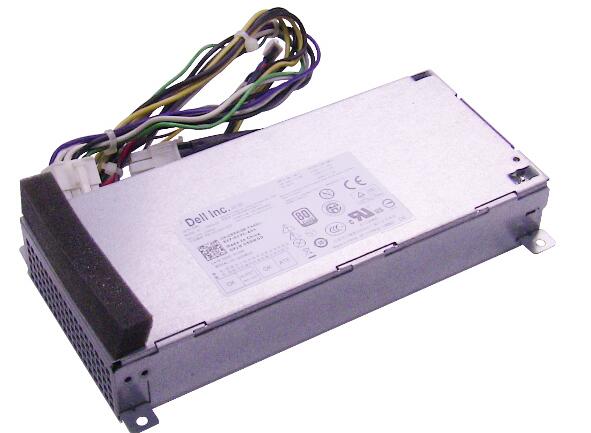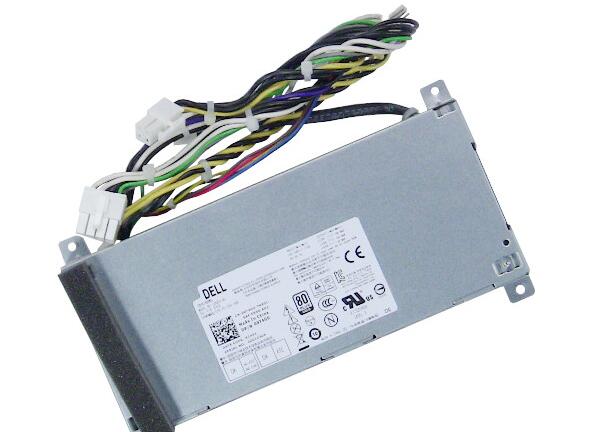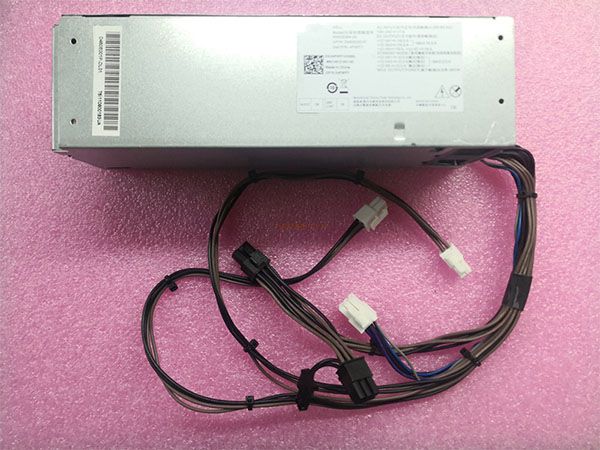

A Computer Power Supply costs money, and you definitely want it to serve you for the longest time possible before it needs a replacement. For a power supply to last long, all you need to do is to take good care of it.
Before buying a new Desktop Power Supply, you should know which model you should buy. While any kind of power supply would serve you greatly, professionals recommend that you buy a modular power supply if you want a good service that lasts the longest.
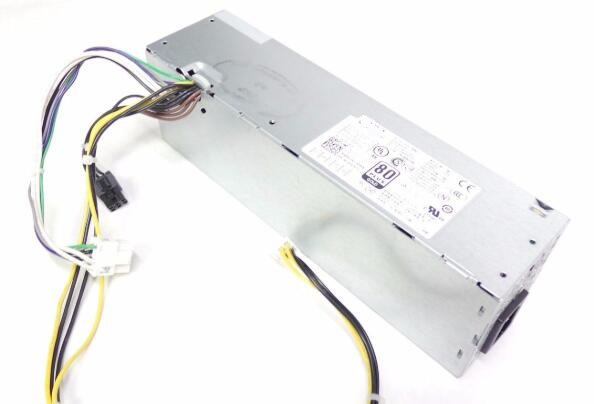
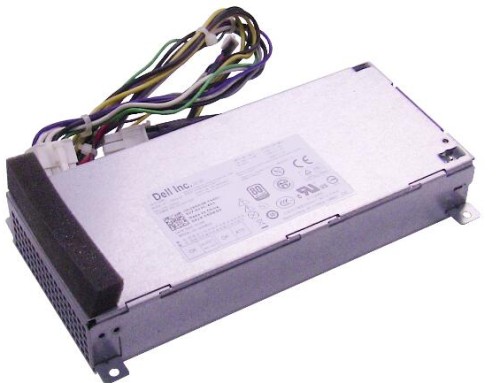
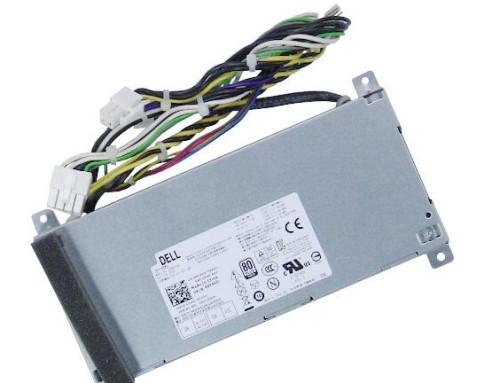
VX372 0VX372 CN-0VX372 315W For Dell OptiPlex XE2 Power Supply D315ES-00
Preventive measures
There are some simple preventive measures that you can take to make your computer power supply last long. Among them include:
- Clean out your computer regularly
For a power supply within your desktop or laptop, be sure to regularly clean your PC. You should not go for more than a month without cleaning your computer. You can clean it by using a can of air or by vacuuming it. Doing so protects all the parts of a computer from dust. If computer parts get too dusty, they will start to overheat and destroy the power supply.
- Use your laptop on a hard surface
One of the most important warnings you must heed if you are using a laptop is that you should always use it on a hard surface such as on a desk. This will allow the system to breathe as required thereby make all its parts work accordingly. If you prop up your laptop on a soft material such as a pillow or cushion, you will be preventing the system from breathing as it should. This can make the laptop to overheat easily, thereby causing sporadic reboots or shut offs, burning smell, random freezing of the computer and so on. The best way to protect your HP Power Supply and Dell Power Supply or any other laptop power supply is to always place it on a hard surface when using it.
- The cord should always be in a loose circle and bonded together
For a Lenovo Power Supply or any other laptop power supply, i.e. the laptop charger you are carrying with you, you should always ensure that you don’t hurriedly cool the cord and toss it into your bag when you travel. You should avoid bending the power cord tightly or into a weird position as this will cause stress on the cord and make it loose, or the wire insulation may tear. So, always ensure that the cord is in a loose circle and always bind it together.
In case you need to replace your Computer Power Supply, you can always get the best quality products at 365PowerSupply.com.