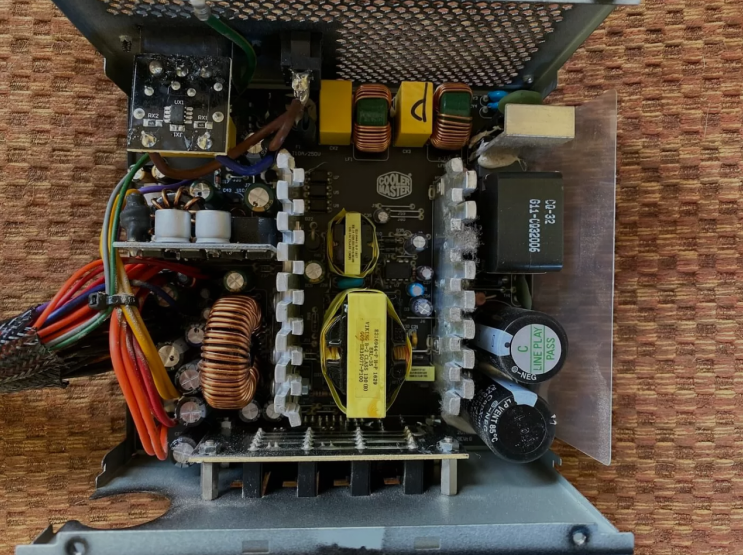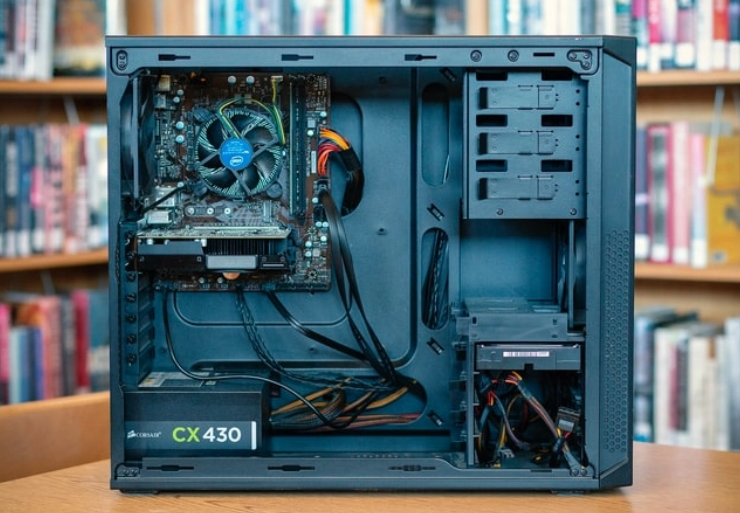
What Is a Power Supply?
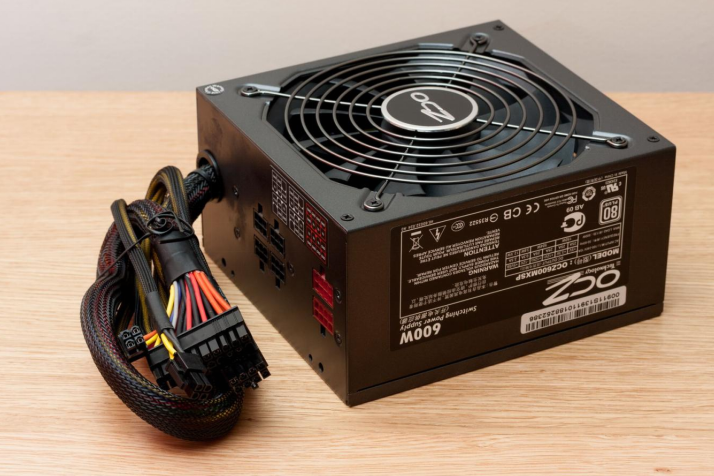
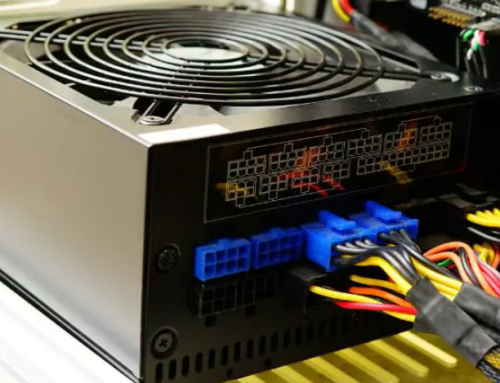
The power supply unit gives electricity to all different parts of a computer system. People often call this power supply unit by the short and simple name of PSU. It takes power from a standard wall outlet in your house or office.
The unit then prepares this power for safe use inside the computer machine. The computer cannot operate at all without this important power supply unit present.
The Role of a Power Supply Unit
The PSU changes alternating current from the wall outlet into direct current for use. Computer parts need direct current so they can function in a proper way always. The unit also reduces the voltage to safe levels for key computer components.
These components include the processor the memory and also storage drives in the system. It supplies power through several rails inside the unit in a steady way. Stable delivery keeps all sensitive electronics safe from any kind of harm or damage.
The rails it supplies include:
- 12 volts for hard drives and graphics cards in the setup
- 5 volts for the USB ports in the system setup
- 3 volts for other circuits in the computer system
How Power Supplies Operate
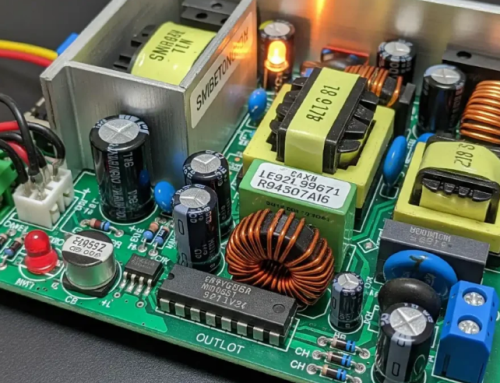
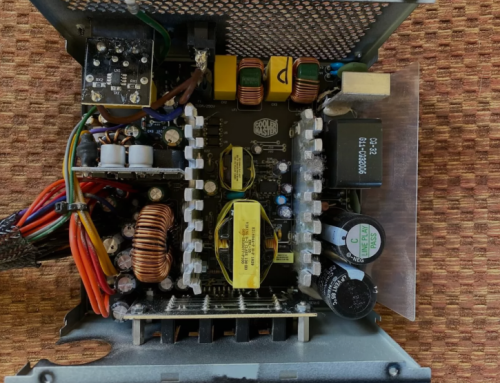
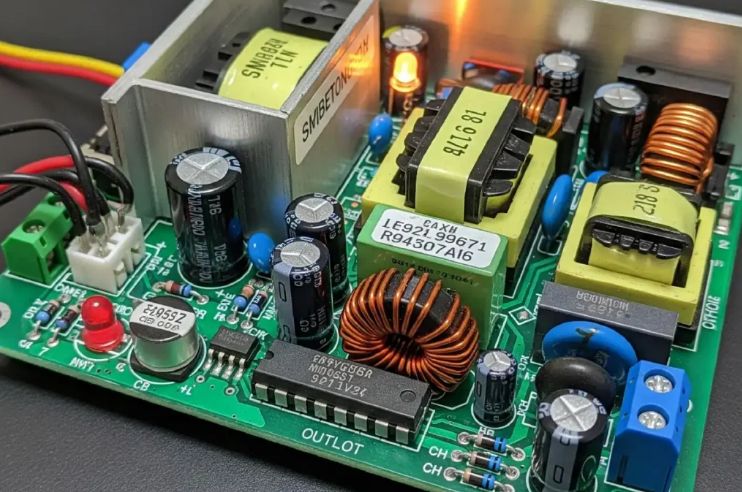
Inside the unit transformers and circuits handle the full power conversion process carefully. The process starts with rectification of the AC input signal right away. Switching technology then steps down and regulates the output voltage with great care.
This method stays cooler and handles energy well compared to older designs. Most units today use active power factor correction technology for better results. This feature improves efficiency and reduces strain on home wiring systems greatly.
Types of Power Supplies
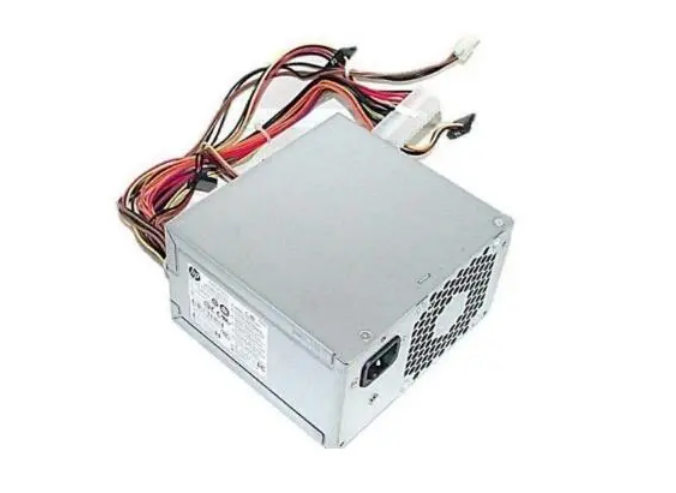
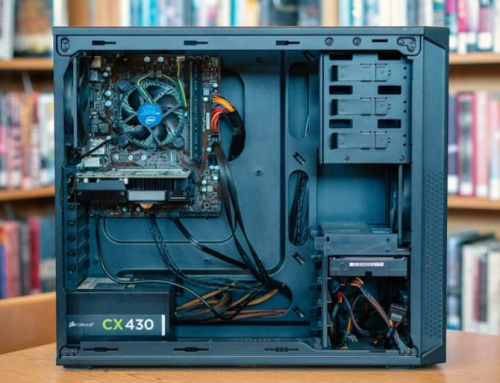
Standard desktop systems use ATX style power supplies for their normal operation needs. They measure about 150 mm wide and fit most tower cases well. Smaller computers use SFX units or TFX designs for their limited space needs.
Laptop computers have external adapters but desktop machines keep the PSU inside the case. Some prebuilt systems come with proprietary units that only work with specific motherboards.
Common replacement options by system include:
- Certain HP Pavilion models work with a 300W ATX replacement unit
- Dell OptiPlex desktops often require the 240W unit for Dell OptiPlex 390 790 990
- Higher performance Dell G5 systems may need the 500W PSU for Dell G5 models
You can find matching units for many other computer brands and models easily. These units are available on 365PowerSupply.com for easy purchase too.
Specifications to Know
Wattage shows the maximum power the unit can provide at one time. Calculate your system total and add some extra amount for safety margin. A 500 watt supply gives enough room for future upgrades later on.
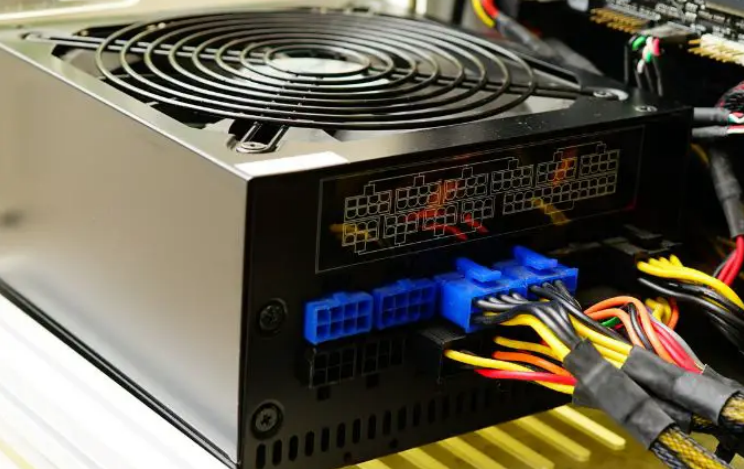
Efficiency ratings appear as 80 Plus Bronze Silver Gold or Platinum levels. Higher ratings mean less wasted energy and also lower electric bills too. Modular designs let you remove extra cables from the power supply unit. This improves airflow inside the case in a very effective and good manner.
Signs Your Power Supply Shows Problems
These issues often point to the PSU as the main cause of trouble:
- The computer shuts down without any warning at all during normal use.
- Strange noises come from the rear fan located in the power supply unit.
- The system fails to start even when other parts look completely fine.
Over time dust collects inside and blocks cooling in the power supply unit. This leads to overheating and early failure of the power supply unit.
Selecting a Replacement Power Supply
Match the form factor and connectors to your computer model in an exact way. Check the label on the old unit for all the exact details. Buy from a source that tests units before shipping them out to you.
A good match keeps your computer running as expected for a long stretch. If you need a reliable replacement power supply check the options at 365PowerSupply.com.