How Do I Determine the Wattage Required for a Power Supply in a Computer?
You need the right wattage for a power supply to keep your computer safe. The correct wattage prevents sudden shutdowns and protects expensive parts inside. Determining wattage helps you choose a power supply that matches your needs.
This process is simple when you follow clear steps one by one. Proper wattage ensures stable power during normal use and upgrades.
Why Wattage Matters for Your Computer
Wattage shows the maximum power the unit can deliver safely. Too little wattage causes crashes when the computer works hard. Too much wattage wastes money without giving extra benefits.
The right amount keeps voltage steady for all computer components. Good wattage selection improves system reliability over many years.
List All Components in Your System
Start by writing down every part that uses power in your computer. Include the processor graphics card hard drives and memory modules. Note the model numbers for accurate power estimates later.
Check the specifications of each component for their power draw. This list forms the base for your total wattage calculation.
Use Online Power Calculators
Many free online tools help calculate total power needs quickly. Enter the details of your processor and graphics card first. Add other components like storage drives and cooling fans too.
The calculator gives a recommended wattage number for your setup. Use this result as a starting point for your selection.
Add Extra Headroom for Safety
Always add one hundred to two hundred watts after the base calculation. This extra room supports peak loads during heavy computer tasks. Headroom also allows future upgrades without changing the unit.
A five hundred watt supply gives safety for most standard systems. Six hundred fifty watts or more works better for gaming PCs.
Consider Graphics Card Power Needs
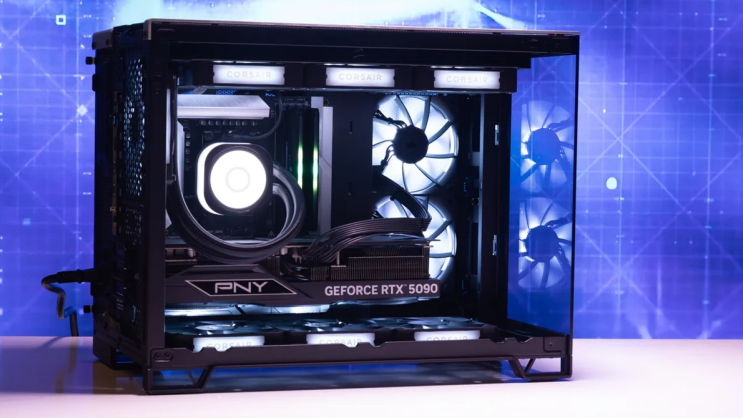
Graphics cards often need the highest power in modern computers. Check the recommended wattage listed by the card manufacturer. Powerful cards may require six hundred watts or more total.
Add this amount to your processor and other component totals. This step prevents problems during games and video editing.
Real Examples of Power Supply Units
Different computers need specific power supplies that match their exact wattage requirements. Common replacement options by system include:
- Certain HP Pavilion models work with a 300W ATX replacement unit
- Dell OptiPlex desktops often require the 240W unit for Dell OptiPlex 390 790 990
- Higher performance Dell G5 systems may need a 500W PSU for Dell G5 models
You can find matching units for many other computer brands and models easily.
Check Your Current Power Supply Label
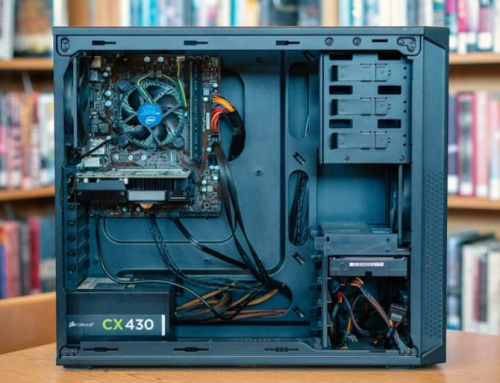
Look at the label on your existing power supply unit carefully. Note the current wattage and compare it with your new calculation. This comparison shows if you need a stronger unit now.
Old units may not deliver full rated power after some years. Replace them when the calculated needs exceed current capacity.
Common Mistakes to Avoid
Do not choose wattage based only on the lowest price available. Avoid using exact calculated numbers without any extra headroom. Never ignore the power needs of future upgrades in your plan.
Wrong wattage leads to unstable performance and possible damage. Take time to verify all numbers before you make a purchase.
Final Tips for Wattage Selection
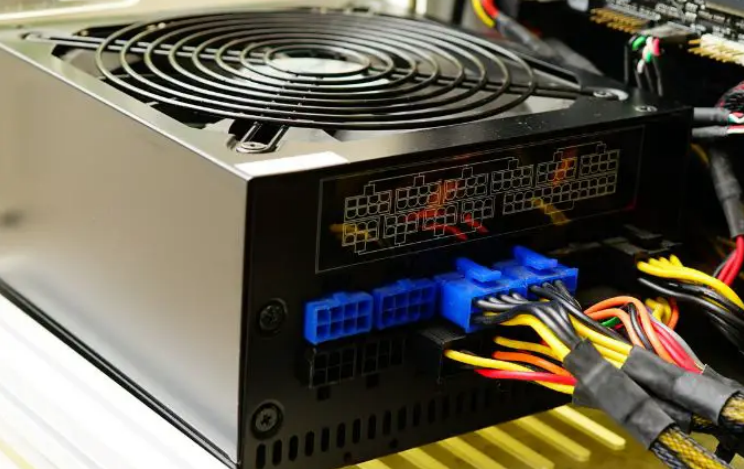
Match the form factor and connectors after you decide wattage. Select units with good efficiency ratings for lower electricity costs. Buy from trusted sellers who test power supplies before shipping.
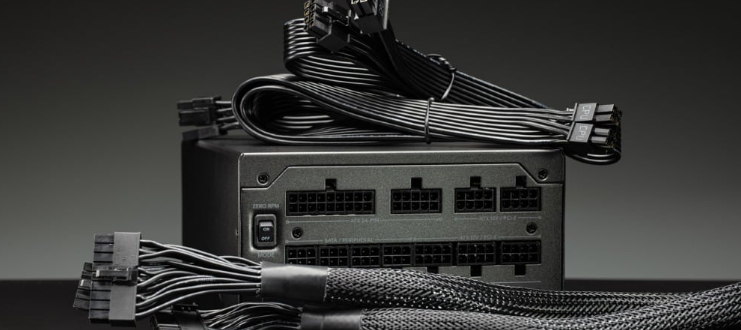
Consider modular designs for better cable management inside the case. Test the new unit after installation to confirm stable operation.
Understanding Your Complete Power Needs
Total wattage includes all parts plus safety margin for peaks. This complete view prevents problems during intensive computer work. Regular checks help when you add new components later.
Correct wattage keeps your computer running smoothly for long periods. Smart selection protects your investment and improves performance.
If you need a reliable replacement power supply check the options at 365PowerSupply.com.