What Is the Difference Between an Internal and External Power Supply in Electronics
Internal power supplies stay fixed inside the main body of the device. External power supplies remain separate and connect through a cable only. These two types serve different needs in electronic systems today.
The choice depends on device size portability and power requirements. Both types convert wall electricity into safe energy for use.
Internal Power Supplies Explained
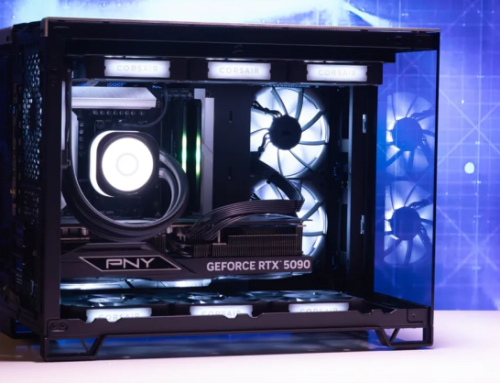
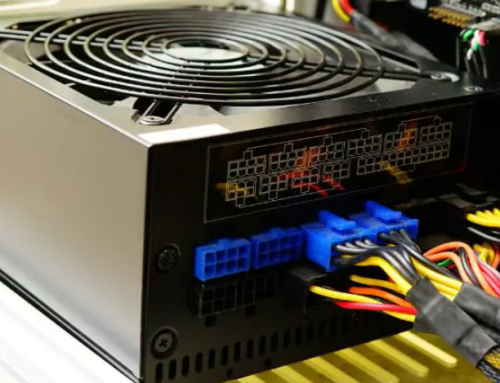
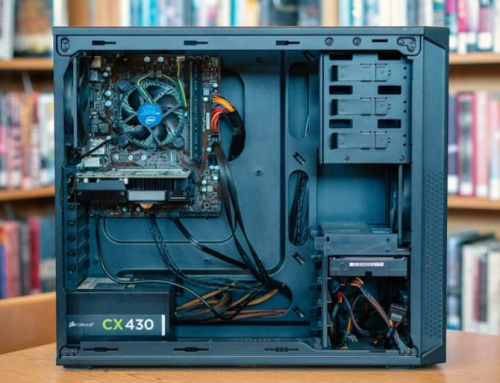
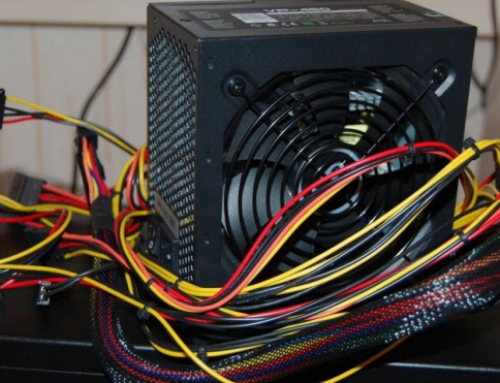
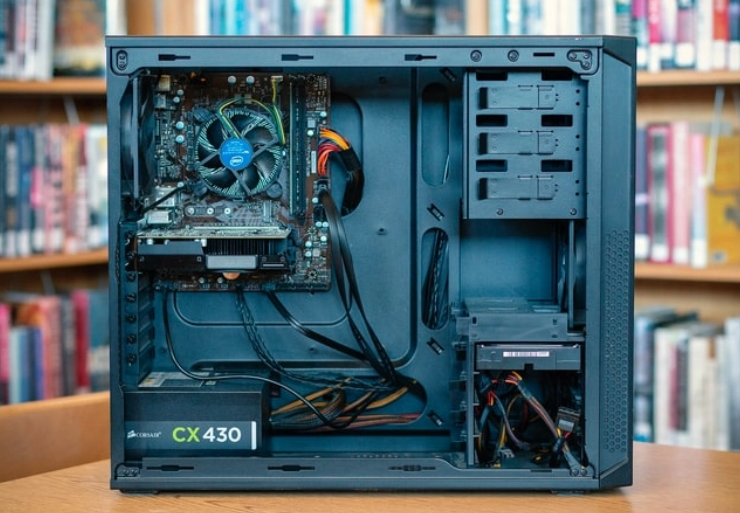
Internal power supplies sit inside desktop computers and larger machines. They connect directly to the motherboard and all other components. This design provides efficient power delivery without long cables.
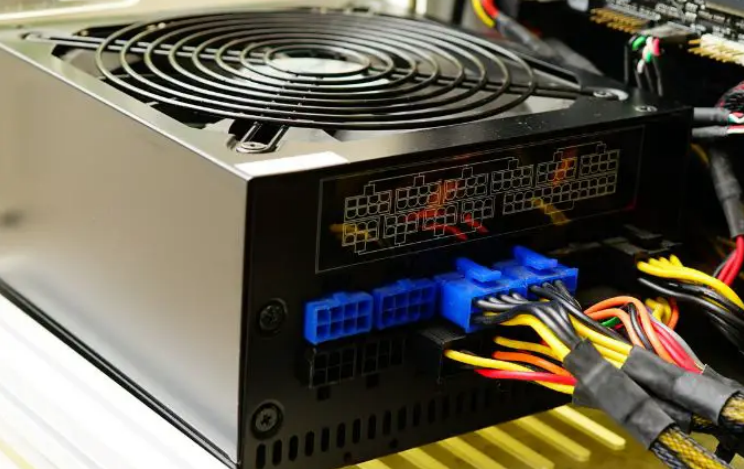
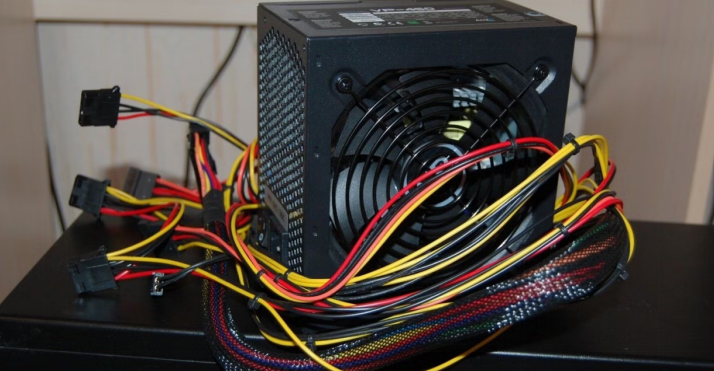
Internal units support higher wattage for demanding computer systems. They fit standard cases and include many connectors for parts.
External Power Supplies Explained
External power supplies are separate adapters that plug into the wall. A cable carries the converted power to the main device. Laptops and small gadgets use external power supplies for portability.
This setup keeps the device body light and easy to carry. External units reduce heat and weight inside the main electronics.
Key Differences in Location and Size
Internal power supplies take space inside the computer case always. External power supplies stay outside and remain small and portable. Internal units handle higher power needs for strong components.
External adapters usually support lower wattage for mobile devices. The location affects cooling needs and overall device design.
Performance and Efficiency Comparison
Internal power supplies deliver power through direct short cables. This method gives stable voltage with minimal energy loss. External power supplies lose some energy through the connecting cable.
Internal designs often achieve higher efficiency ratings overall. Both types need proper ratings to work safely and efficiently.
Safety Features of Both Types
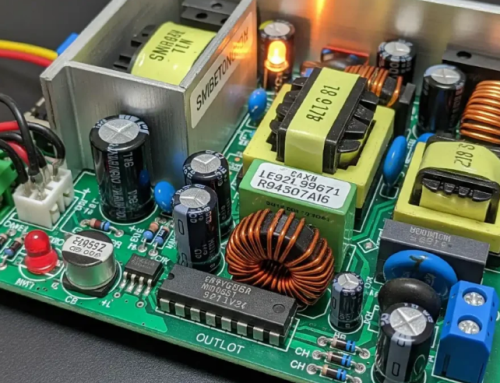
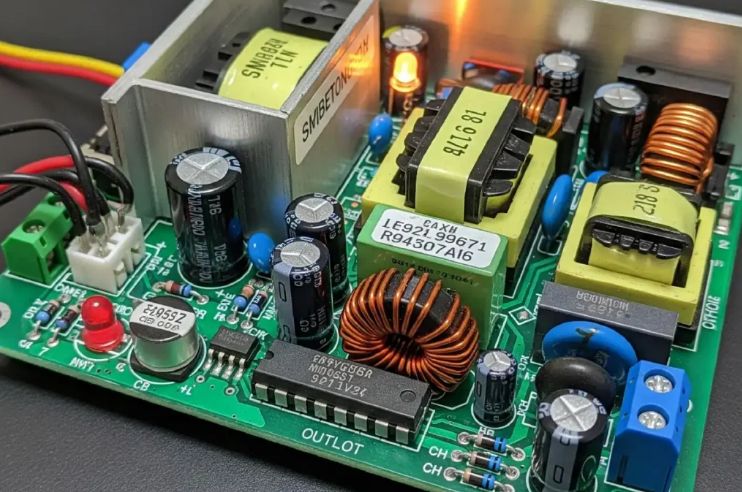
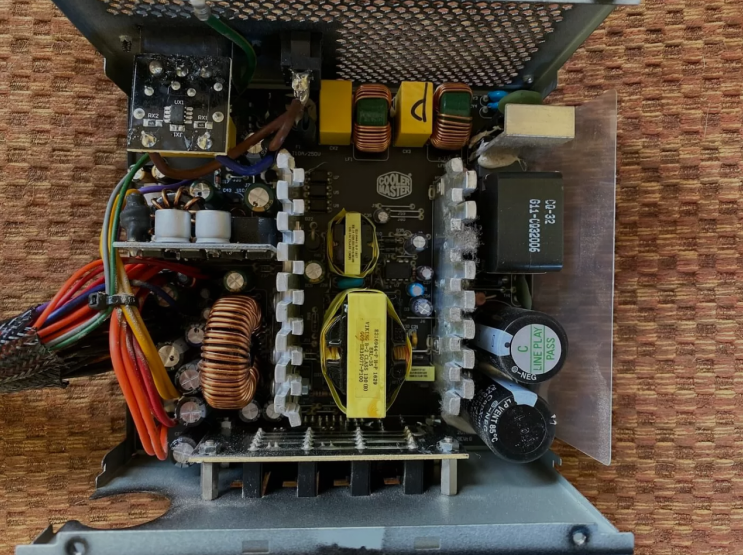
Internal power supplies include strong protection circuits inside. They manage heat with built-in fans and good ventilation. External power supplies keep high voltage away from the device.
This separation improves safety for portable electronics greatly. Both types have protection against surges and overload situations.
Common Uses in Electronics
Desktop computers use internal power supplies for high performance. Laptops phones and tablets rely on external power supplies daily. Some monitors printers and speakers also use external adapters.
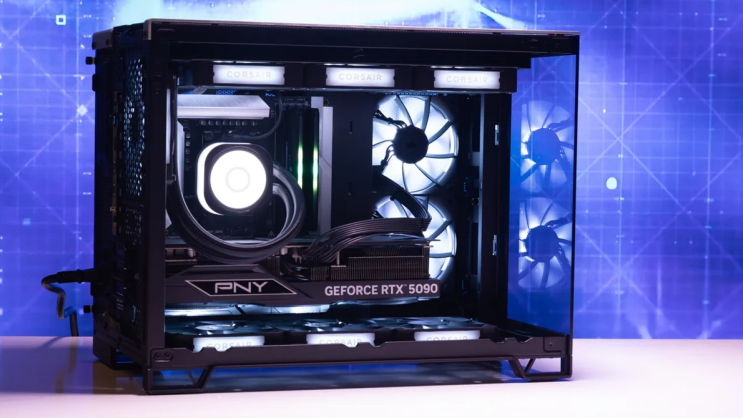
Gaming PCs need strong internal power supplies for graphics cards. The right type matches the device purpose and power demand.
Real Examples of Power Supply Units
Different computers need specific power supplies that match their exact requirements. Common replacement options by system include:
- Certain HP Pavilion models work with a 300W ATX replacement unit
- Dell OptiPlex desktops often require the 240W unit for Dell OptiPlex 390 790 990
- Higher performance Dell G5 systems may need a 500W PSU for Dell G5 models
You can find matching units for many other computer brands and models easily.
Advantages of Internal Power Supplies
Internal power supplies offer direct and efficient power delivery. They support upgrades and high performance components without limits. Users enjoy better cable management inside large computer cases.
This type works well for stationary desktop systems every day. Internal units provide reliable power for long working hours.
Advantages of External Power Supplies
External power supplies make devices lighter and more portable always. They are easy to replace when they stop working properly. External designs reduce heat and weight inside small electronics.
Users can share one adapter between similar devices too. This type improves safety because high voltage stays outside.
How to Choose the Right Type
Check your device manual for the required power supply type first. Desktop users usually need internal power supplies for best results. Laptop owners should select the correct external adapter model.
Match wattage voltage and connectors to your exact needs. The right choice prevents damage and improves device performance.
Final Thoughts on Power Supply Types
Internal and external power supplies both convert power for use. They differ in location size efficiency and typical applications. Understanding these differences helps you select the correct unit.
Always buy quality power supplies for your electronic devices. This step keeps your equipment safe and working for years.
If you need a reliable replacement power supply check the options at 365PowerSupply.com.