What Is the Difference Between an ATX and a PSU in a Computer?
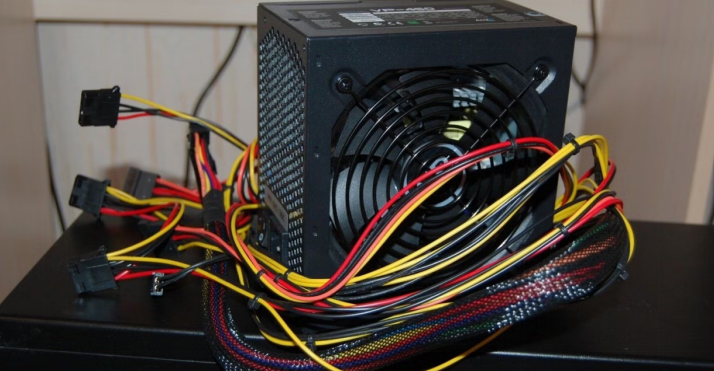
A PSU means power supply unit that delivers electricity to all computer parts. ATX refers to a standard size and design for many power supply units. People often mix these two terms but they have clear differences.
The PSU is the actual device while ATX describes its shape and connectors. This article explains both terms and their main differences in simple ways.
What Is a PSU in a Computer?
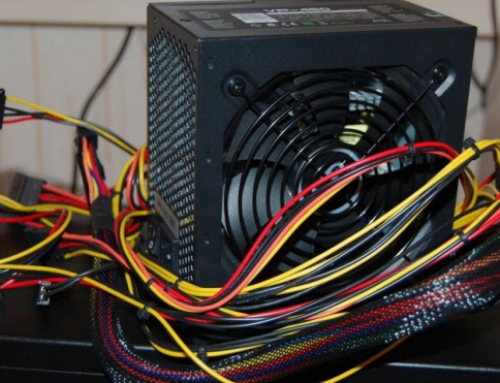
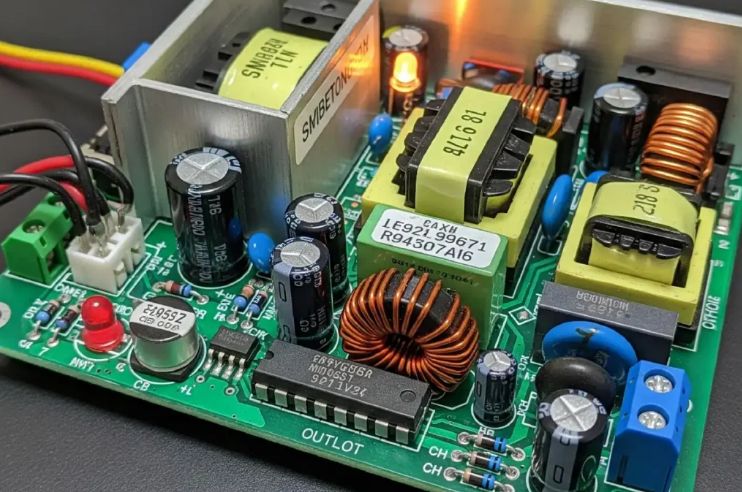
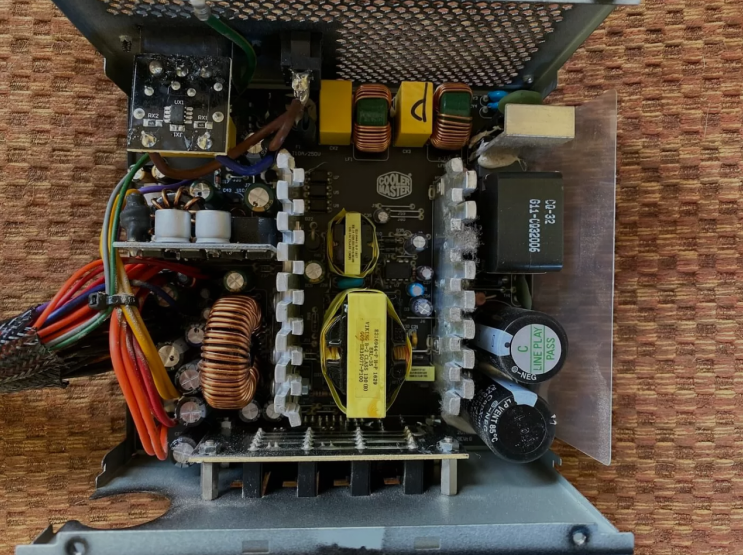
A PSU is the power supply unit that converts wall power for computer use. It changes alternating current into direct current for safe operation. The PSU supplies power through cables to the motherboard and other parts.
It keeps voltage stable and protects components from power problems. Every computer needs a working PSU to start and run properly.
What Does ATX Mean?
ATX stands for a standard form factor created for desktop computers. ATX power supplies measure about one hundred fifty mm wide in size. This standard defines the shape connectors and mounting holes exactly.
ATX units fit most standard tower cases without any major changes. Many manufacturers follow the ATX standard for their power supply designs.
Main Differences Between ATX and PSU
PSU is the general name for any power supply unit in the computer. ATX is only one specific type of form factor for PSU units. You can have a PSU that follows ATX standard or other standards.
ATX defines size and layout while PSU refers to the whole device. All ATX units are PSUs but not every PSU follows the ATX design.
Size and Shape Comparison
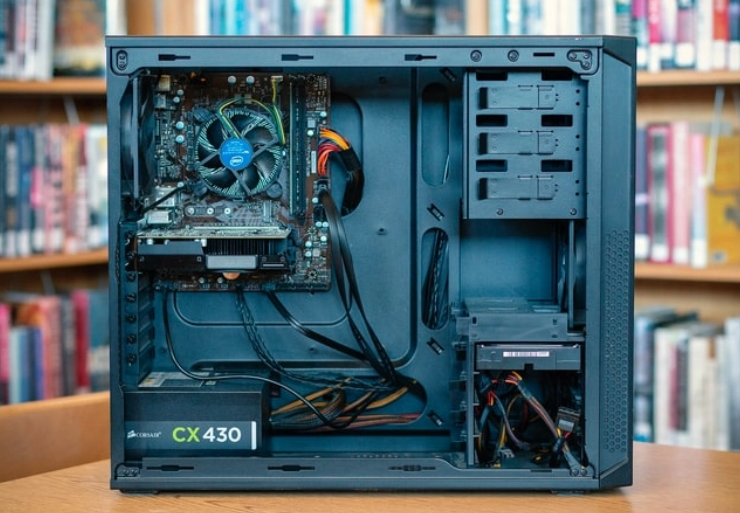
ATX power supplies have standard dimensions for easy installation always. They fit full size and mid tower cases in a perfect way. Other PSU types like SFX are much smaller for compact systems.
The ATX standard makes replacement easy across different computer brands. PSU size depends on the form factor it follows in the design.
Connectors and Compatibility
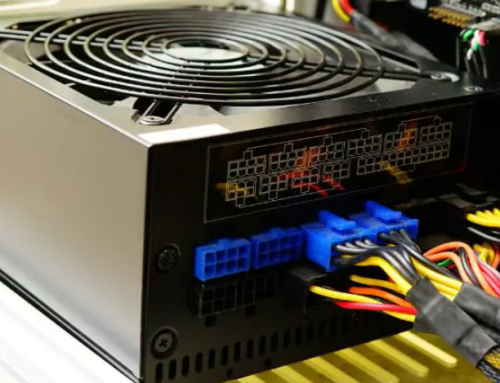
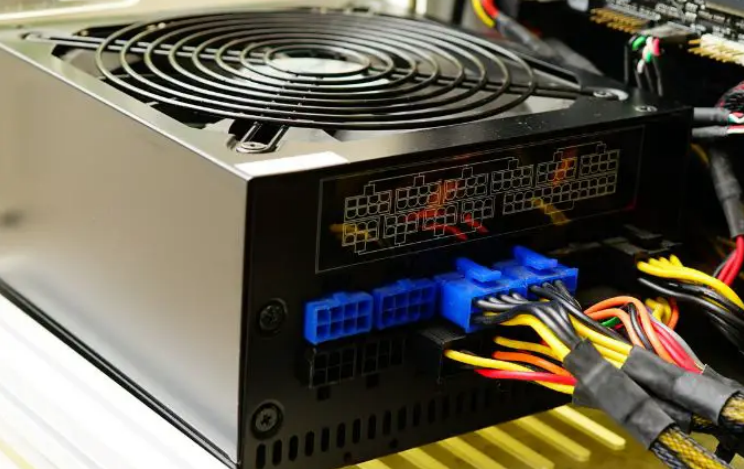
ATX PSUs use standard connectors for motherboards and storage drives. They provide twenty four pin main power and other cable types. This standardization helps users upgrade or replace units without trouble.
Non ATX PSUs may use different connectors for specific computer models. Compatibility depends on both the PSU type and ATX standard.
Power Output and Usage
PSU units come in many wattage levels from two hundred to over one thousand watts. ATX PSUs often support five hundred watts or more for normal systems. The PSU rating determines how much power it can deliver safely.
ATX design supports high power needs for gaming and office computers. Users must match the PSU wattage to their exact system requirements.
Real Examples of ATX PSU Units
Different computers need specific ATX PSU units that match their exact requirements. Common replacement options by system include:
- Certain HP Pavilion models work with a 300W ATX replacement unit
- Dell OptiPlex desktops often require the 240W unit for Dell OptiPlex 390 790 990
- Higher performance Dell G5 systems may need a 500W PSU for Dell G5 models
You can find matching units for many other computer brands and models easily.
When to Choose an ATX PSU
Choose an ATX PSU for standard desktop cases with enough space inside. It offers good compatibility and easy installation for most users. ATX units provide reliable power for daily computer operation.
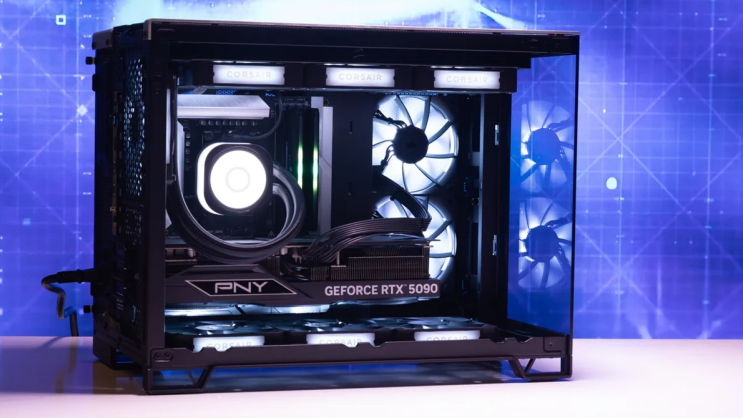
They support upgrades like new graphics cards without major changes. Check your case manual to confirm ATX support before buying.
Other PSU Form Factors
SFX PSUs are smaller and fit mini computers with limited space. TFX units work in slim desktop cases for office environments. Proprietary PSUs come in prebuilt systems and fit only one model.
These options differ from standard ATX PSU designs in many ways. Users should know their case size before selecting any PSU type.
Importance of Understanding the Difference
Knowing the difference helps users buy the correct replacement part. It avoids problems with size connectors and power delivery issues. The right PSU choice keeps the computer stable and reliable always.
Wrong form factor can prevent proper installation in the case. This knowledge saves time and money during upgrades or repairs.
Tips for Selecting the Right PSU
Check the label on your old unit for exact form factor details. Match wattage voltage and connectors to your computer needs exactly. Buy from trusted sources that test PSUs before they ship them.
Consider efficiency ratings for lower electricity costs over time. A good ATX PSU lasts many years with proper care and use.
If you need a reliable replacement power supply check the options at 365PowerSupply.com.