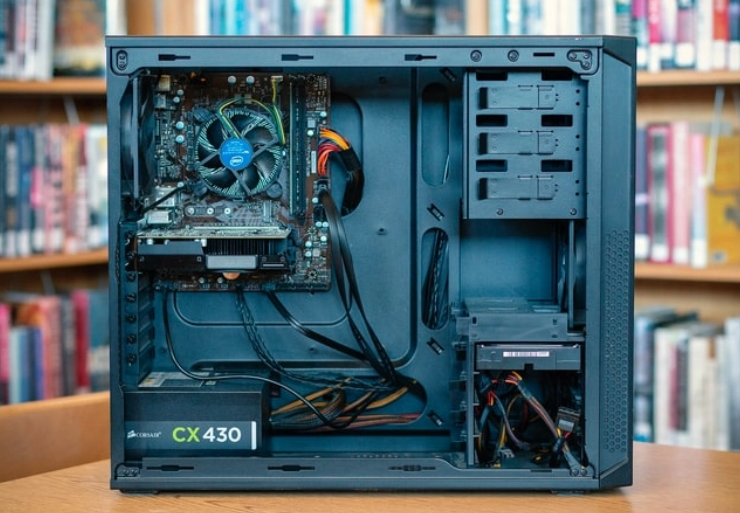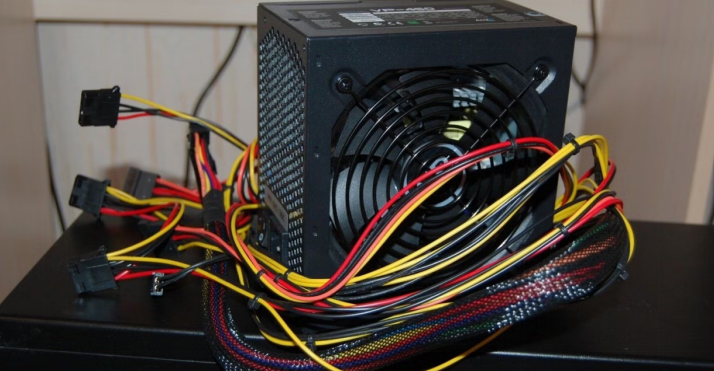
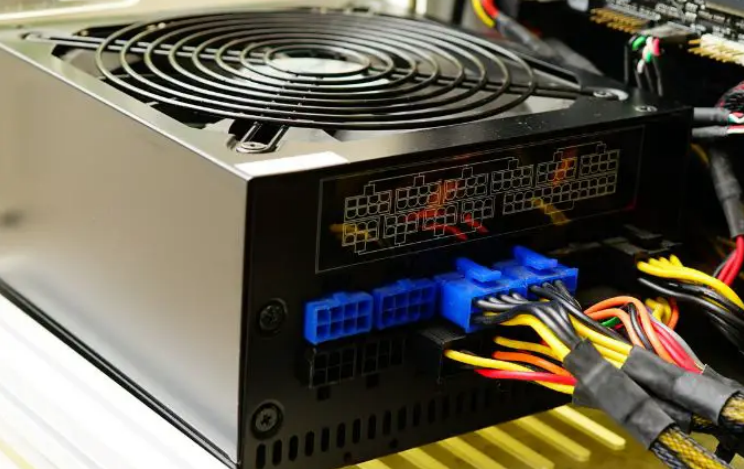
What Is the Lifespan of a Typical Power Supply?
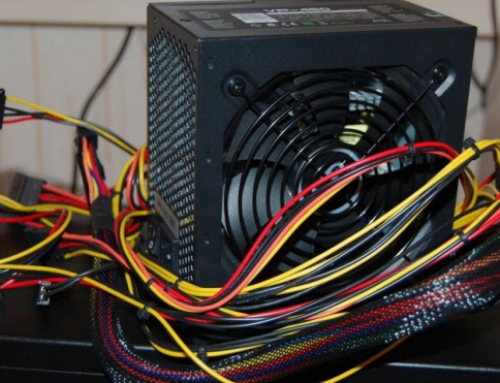
A typical power supply lasts four to five years under normal use. This lifespan depends on quality usage and maintenance conditions. Many factors influence how long a power supply unit works.
Good care extends the useful life of the power supply. Understanding these factors helps you plan timely replacement.
Factors That Affect Power Supply Lifespan
High temperatures shorten the life of internal components. Dust buildup blocks cooling and increases operating temperatures. Frequent power surges damage circuits over time.
Overloading the unit with too many components reduces lifespan. Quality of parts in the power supply plays a big role.
Average Lifespan for Different Units
Budget power supplies often last three to four years. Mid range units usually work for five to seven years. High quality power supplies can last eight years or more.
Gaming systems with heavy use wear units faster. Office computers with light loads extend the lifespan.
Signs That Your Power Supply Is Aging
The fan makes louder noises than normal during operation. The computer shuts down suddenly without any warning. Voltage readings fluctuate more than normal on tests.
The unit feels hotter than usual after normal use. These signs mean the power supply approaches end of life.
How to Extend Power Supply Life
Keep the computer case clean to maintain good airflow. Use a surge protector to guard against voltage spikes. Avoid overloading the power supply beyond its rated wattage.
Replace old units before they cause system problems. Good ventilation around the computer helps cooling greatly.
When to Replace Your Power Supply
Replace the unit after four to five years of daily use. Change it immediately when you notice warning signs. Upgrade before adding new high power components.
Early replacement prevents damage to other computer parts. This step saves money on bigger repair costs later.
Real Examples of Power Supply Units
Different computers need specific power supplies that match their exact requirements. Common replacement options by system include:
- Certain HP Pavilion models work with a 300W ATX replacement unit
- Dell OptiPlex desktops often require the 240W unit for Dell OptiPlex 390 790 990
- Higher performance Dell G5 systems may need a 500W PSU for Dell G5 models
You can find matching units for many other computer brands and models easily.
Role of Efficiency Ratings
Higher efficiency ratings like 80 Plus Gold extend lifespan. They produce less heat and reduce stress on components. Efficient units run cooler and last longer overall.
This benefit lowers electricity costs and improves reliability. Choose units with good ratings for better long term use.
Environmental Factors That Shorten Life
High room temperatures speed up wear on power supply parts. Humidity causes corrosion on internal connections over time. Poor ventilation around the computer case worsens problems.
Frequent power fluctuations add stress to the unit. Good environment helps the power supply last longer.
Testing Power Supply Health
Use a tester tool to check voltage on different rails. Listen for unusual fan noises during normal operation. Monitor system stability under heavy workloads.
Software tools show voltage readings during computer use. Regular tests help catch problems before complete failure.
Benefits of Timely Replacement
A new power supply restores stable power to all parts. It prevents unexpected shutdowns and data loss problems. Replacement improves overall system performance and reliability.
This step extends the life of your entire computer. You enjoy smoother operation after installing the new unit.
Choosing a New Power Supply
Calculate total power needs before you buy any unit. Match wattage form factor and connectors to your system. Select units with good efficiency ratings for savings.
Buy from trusted sources that test power supplies. The right choice keeps your computer running for years.
Final Thoughts on Power Supply Lifespan
Typical power supplies last four to five years with care. Regular maintenance and proper use extend this lifespan. Watch for warning signs and replace units in time.
A good power supply protects your computer investment. Smart choices ensure stable and reliable system operation.
If you need a reliable replacement power supply check the options at 365PowerSupply.com.