What Is an Uninterruptible Power Supply (UPS)?
An uninterruptible power supply provides backup power during outages. It keeps your computer running for a short time. This device protects against sudden power loss and damage.
UPS units contain batteries that activate when main power fails. They give you time to save work and shut down safely.
How a UPS Works
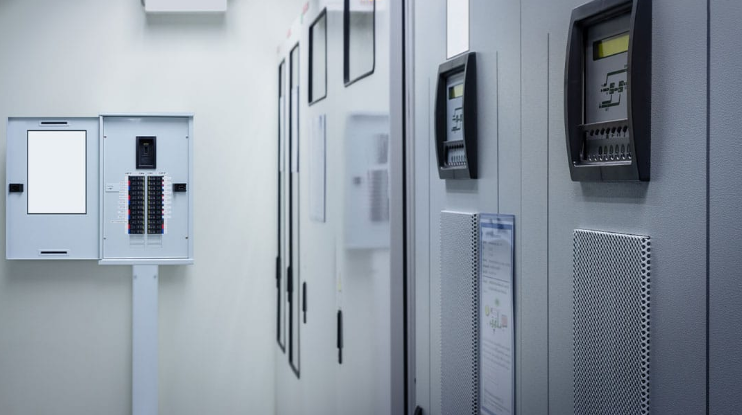
The UPS stays connected between the wall outlet and your computer. It constantly charges its internal batteries during normal power. When the main power stops the UPS switches to battery power.
This switch happens in milliseconds to avoid any interruption. The unit also cleans the power and regulates voltage.
Main Benefits of Using a UPS
A UPS prevents data loss during unexpected power outages. It protects sensitive electronics from voltage spikes and drops. You gain time to save files and shut down properly.
UPS units filter power and improve overall stability. They extend the life of your computer components.
Types of UPS Systems
Standby UPS units activate only during power failures. Line interactive UPS regulate voltage without switching to battery. Online UPS provide constant battery power for critical systems.
Different types suit various needs and budgets. Choose based on your computer usage and protection level.
Key Features to Consider
Battery runtime tells how long the UPS supports your system. Higher wattage capacity handles more powerful computers. Surge protection guards against electrical spikes from the wall.
Software monitoring lets you see battery status easily. These features make the UPS more useful for daily use.
UPS for Gaming and Work PCs
Gaming PCs need UPS units with high wattage capacity. Work computers benefit from protection against data loss. A good UPS gives peace of mind during storms.
It keeps systems running during short power interruptions. This protection saves time and prevents frustration.
Real Examples of Power Supply Units
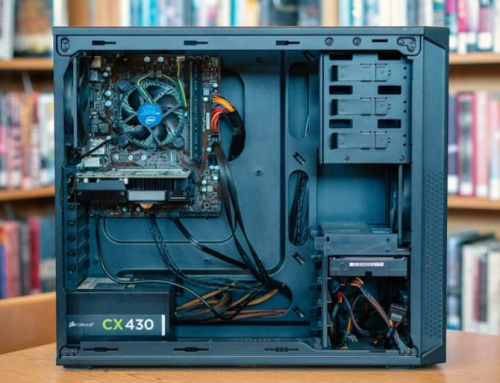
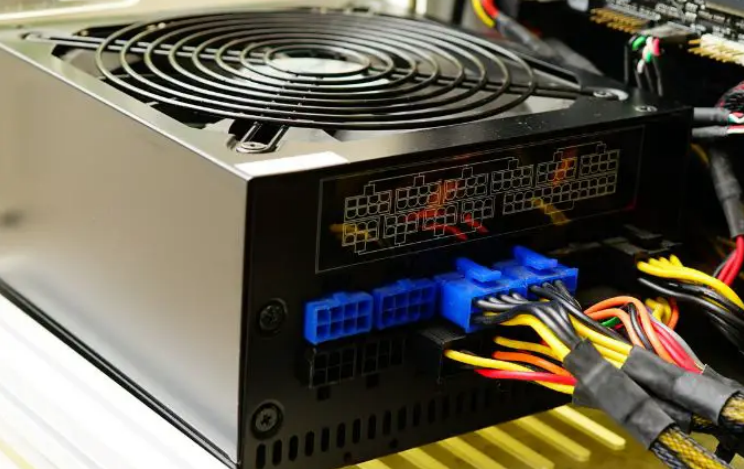
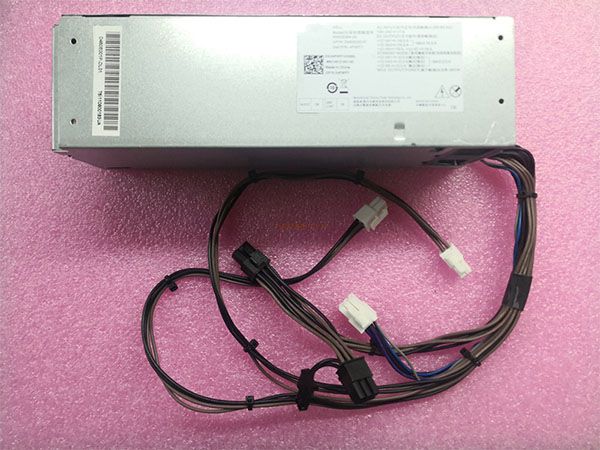
Different computers need specific power supplies that match their exact requirements. Common replacement options by system include:
- Certain HP Pavilion models work with a 300W ATX replacement unit
- Dell OptiPlex desktops often require the 240W unit for Dell OptiPlex 390 790 990
- Higher performance Dell G5 systems may need a 500W PSU for Dell G5 models
You can find matching units for many other computer brands and models easily.
Installing and Setting Up a UPS
Place the UPS near your computer and plug it into the wall. Connect your computer and monitor to the UPS outlets. Install monitoring software from the manufacturer website.
Test the UPS by unplugging the wall cord briefly. This test confirms the unit switches to battery power.
Maintaining Your UPS Unit
Keep the UPS in a cool and dry location. Test the batteries every six months for proper function. Replace batteries according to the manufacturer schedule.
Clean dust from vents to maintain good cooling. Regular maintenance extends the useful life of the UPS.
Choosing the Right UPS for Your Needs
Calculate the total wattage of your computer and peripherals. Select a UPS with higher capacity than your total needs. Consider runtime needs for your typical power outages.
Check for features like automatic voltage regulation. Read reviews before you make the final purchase decision.
Common UPS Myths
A UPS does not provide power for many hours. It only gives enough time for safe shutdown. Not all UPS units work with every computer model.
Check compatibility before you buy any new unit. Proper selection avoids many common setup problems.
Final Thoughts on UPS Devices
An uninterruptible power supply protects your computer investment. It prevents data loss and hardware damage during outages. Choose the right UPS for your specific needs.
Regular maintenance keeps the unit ready for emergencies. This device brings peace of mind for computer users.
If you need a reliable replacement power supply check the options at 365PowerSupply.com.