Can a Faulty Power Supply Cause Random Reboots in Computers?
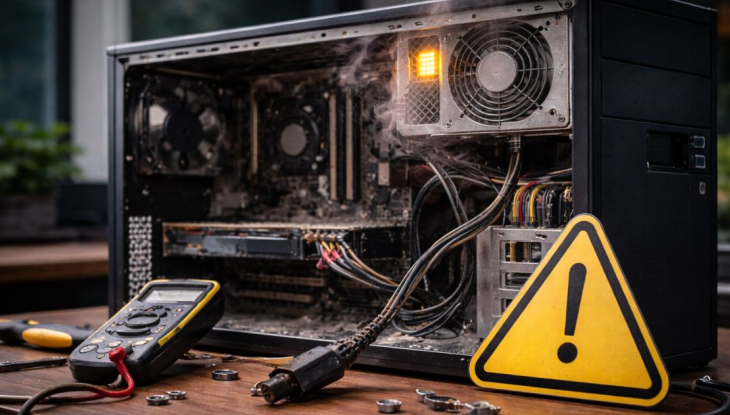
A faulty power supply often causes random reboots in computers. It fails to deliver steady power to all system components. This instability makes the computer restart without any warning.
Unstable voltage from the unit confuses the motherboard. Random reboots happen more often under heavy workloads.
How Power Supply Problems Lead to Reboots
The power supply cannot maintain correct voltage during peak demand. Sudden drops in power make the system think it lost electricity. The motherboard triggers a reboot to protect data and parts.
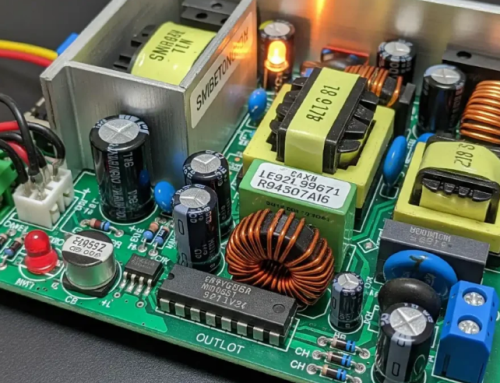
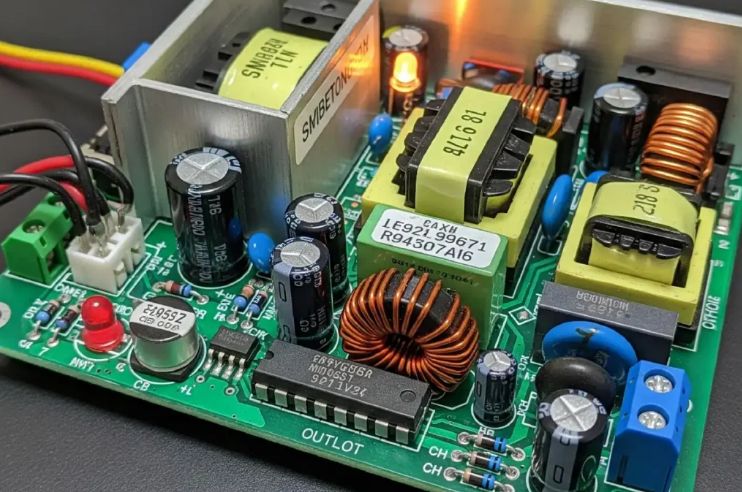
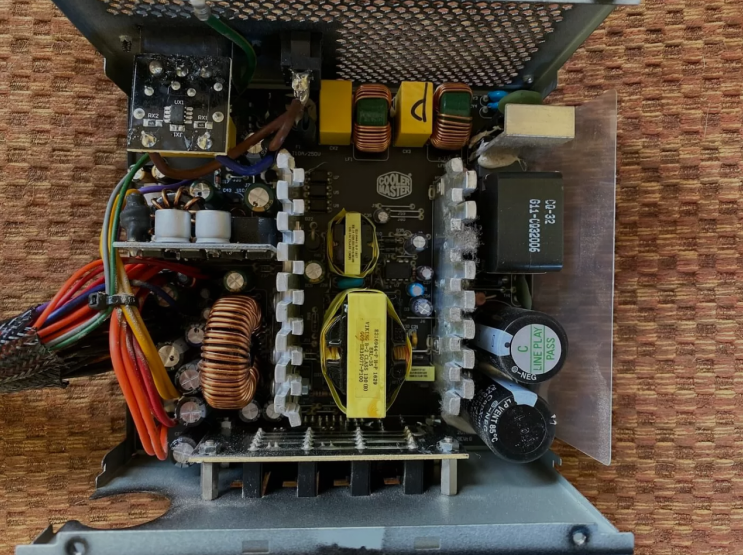
Faulty capacitors in the unit create these voltage fluctuations. This problem becomes worse as the power supply ages.
Other Signs of Power Supply Issues
The computer may freeze before it restarts suddenly. Strange noises from the fan area often accompany reboots. Lights on the motherboard flicker or turn off briefly.
USB devices disconnect and reconnect during these events. These additional signs point to power supply failure.
Risks of Ignoring Random Reboots
Continued use with a faulty power supply damages other parts. The motherboard and graphics card suffer from unstable power. Data corruption happens when the computer restarts unexpectedly.
Repair costs increase after multiple components start failing. Early replacement prevents bigger and more expensive problems.
Common Causes of Faulty Power Supply
Age and normal wear reduce the unit capacity over time. Dust buildup causes overheating and component stress. Power surges from the wall damage internal circuits.
Overloading the power supply with too many parts adds constant stress. Manufacturing defects in lower quality units appear early.
How to Confirm the Power Supply Problem
Use a power supply tester tool for quick voltage checks. Swap with a known good unit to test the system. Monitor voltage readings with software during normal use.
Listen for unusual fan noises from the power supply area. Professional testing gives the most accurate diagnosis.
Real Examples of Power Supply Units
Different computers need specific power supplies that match their exact requirements. Common replacement options by system include:
- Certain HP Pavilion models work with a 300W ATX replacement unit
- Dell OptiPlex desktops often require the 240W unit for Dell OptiPlex 390 790 990
- Higher performance Dell G5 systems may need a 500W PSU for Dell G5 models
You can find matching units for many other computer brands and models easily.
Steps to Fix Random Reboots
Shut down the computer safely when reboots happen often. Test the power supply with a tester tool or known good unit. Replace the faulty unit with a new one of proper wattage.
Install carefully and test the system for stable operation. This action stops random reboots and protects other parts.
Prevention Tips for Power Supply Problems
Keep the computer case clean to maintain good cooling. Use a surge protector to guard against voltage spikes. Avoid overloading the power supply with too many devices.
Replace old units every four to five years for safety. Regular checks help catch problems before complete failure.
Benefits of Proper Power Supply Replacement
A new power supply stops random reboots completely. It provides stable power for all computer components. Your system runs smoother and more reliably every day.
Replacement prevents data loss and expensive repairs. This step extends the useful life of your computer.
Choosing the Right Replacement Unit
Calculate total power needs of all components first. Add extra margin for safety during peak loads. Match form factor and connectors to your computer case.
Select units with good efficiency ratings for savings. Buy from trusted sources that test power supplies.
Final Advice on Random Reboots
Do not ignore random reboots in your computer system. Test the power supply as the most likely cause. Replace faulty units before they cause bigger damage.
A good power supply keeps your computer stable. Take action quickly for the best long term results.
If you need a reliable replacement power supply check the options at 365PowerSupply.com.