How Do I Choose the Right Power Supply for My PC?
Choosing the right power supply keeps your PC safe and running well every day. You must consider several important factors before you buy any new unit. The correct power supply matches your computer needs in an exact way.
This choice prevents problems and improves overall system performance always.
Calculate Your Power Needs First
Start by finding the total power use of all parts in your PC. Add up the wattage of your processor graphics card and other components. Use an online calculator tool for accurate total power estimates.
Add extra margin of one hundred watts for safe and stable operation. This step helps you select the right wattage for your system.
Understand Wattage Ratings Properly
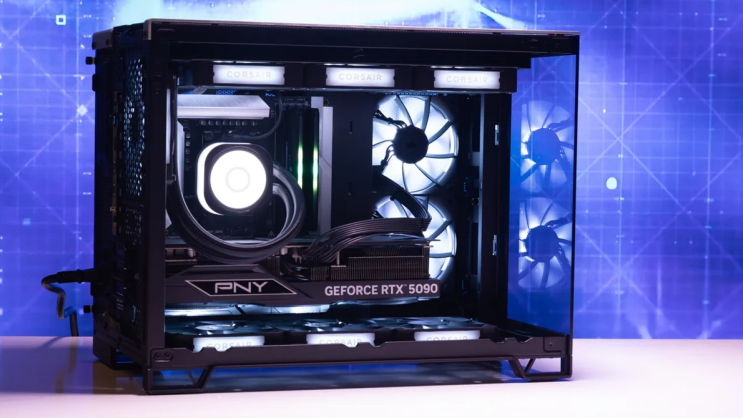
Wattage shows the maximum power the unit can deliver safely. A 500 watt power supply works for most standard office PCs. Gaming systems with strong graphics cards need 650 watts or more.
Check your components list and choose wattage with some extra room. Never pick a unit with too little power for your setup.
Check the Form Factor Carefully
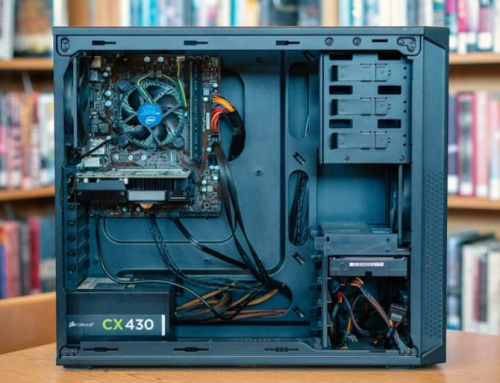
Form factor means the size and shape of the power supply unit. ATX power supplies fit most standard tower cases without any issue. SFX units work better in small compact computer cases.
Measure your case space before you select any power supply type. The right form factor allows easy installation inside the PC.
Look at Efficiency Ratings
Efficiency ratings like 80 Plus Bronze save energy and reduce heat. Higher ratings such as Gold or Platinum cost more but save money. They lower your electricity bills over a long period of time.
Efficient units run cooler and make less noise during use. This feature improves comfort and reliability for daily PC operation.
Verify Connectors and Cables
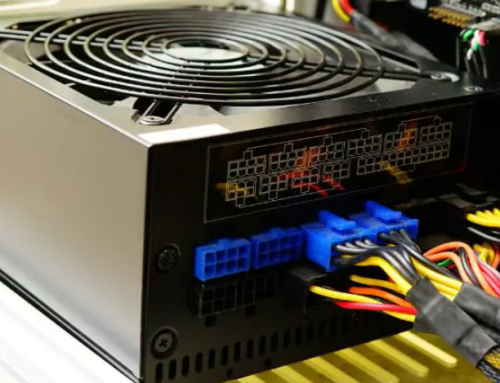
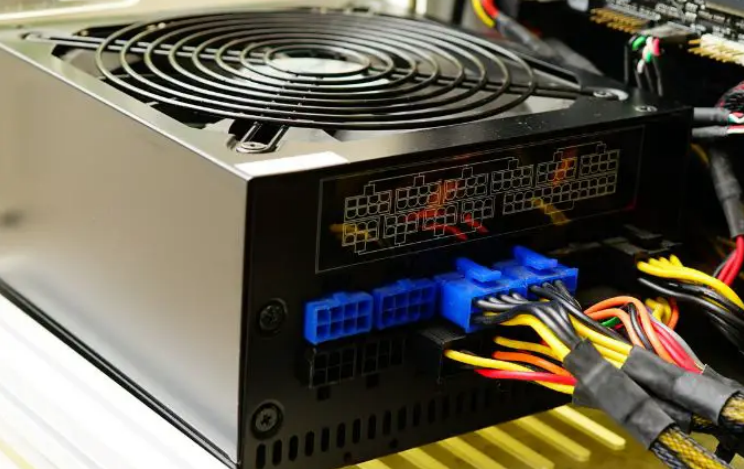
The power supply must have all connectors your motherboard needs. Check for twenty four pin main power and eight pin CPU connectors. Graphics cards often need six pin or eight pin power cables.
Modular units let you use only the cables you need. This option improves airflow and makes cable management much easier.
Consider Reliability and Protection
Buy power supplies with good protection against surges and overloads. Trusted brands offer better quality components and longer warranties. Read user reviews about real performance and failure rates.
Avoid very cheap units that may damage your expensive PC parts. Reliable units last longer and keep your system stable always.
Real Examples of Power Supply Units
Different computers need specific power supplies that match their exact requirements. Common replacement options by system include:
- Certain HP Pavilion models work with a 300W ATX replacement unit
- Dell OptiPlex desktops often require the 240W unit for Dell OptiPlex 390 790 990
- Higher performance Dell G5 systems may need a 500W PSU for Dell G5 models
You can find matching units for many other computer brands and models easily.
Additional Tips for Good Choice
Check the label on your old power supply for exact details. Match voltage rails and current ratings to your PC components. Consider future upgrades when you select wattage and features.
Buy from sources that test units before they ship them out. This practice reduces the chance of receiving faulty power supplies.
Common Mistakes to Avoid
Do not choose power supplies based only on low price. Avoid units with very low efficiency ratings for daily use. Never install a power supply that does not fit your case.
Wrong connectors can prevent your PC from starting properly. Take time to research before you make the final decision.
Final Steps After Purchase
Install the new power supply carefully inside your PC case. Connect all cables in the correct positions on the motherboard. Test your system for stability under normal and heavy loads.
Monitor temperatures and noise levels during the first few days. A good power supply keeps your PC working for many years.
If you need a reliable replacement power supply check the options at 365PowerSupply.com.