How Does a Power Supply with Multiple Rails Work in High-Performance Systems?
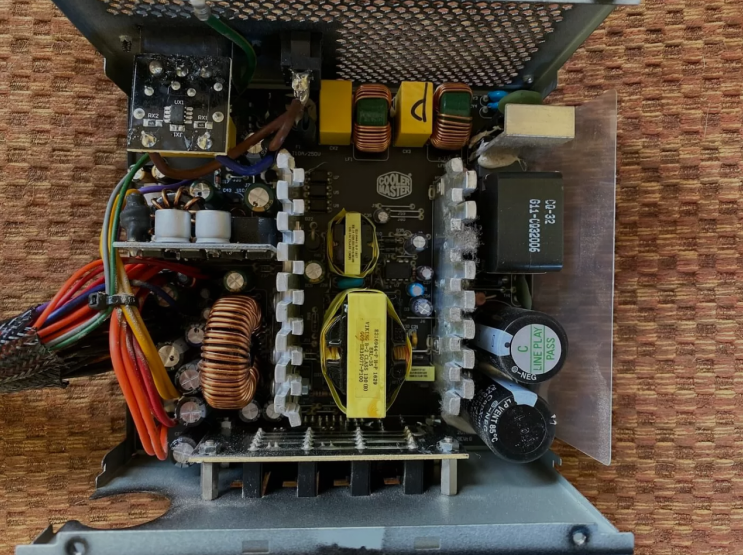
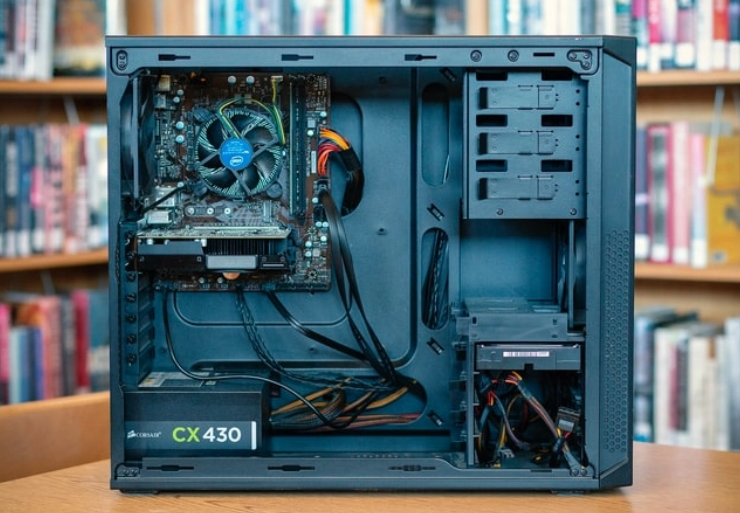
A power supply with multiple rails divides power into separate channels. Each rail supplies a specific voltage to different computer parts. This design improves stability in high-performance gaming systems.
Multiple rails prevent one component from affecting others. They deliver clean power for demanding processors and graphics cards.
What Are Power Rails in a PSU?
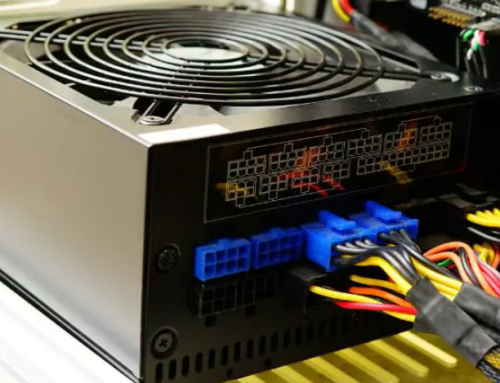
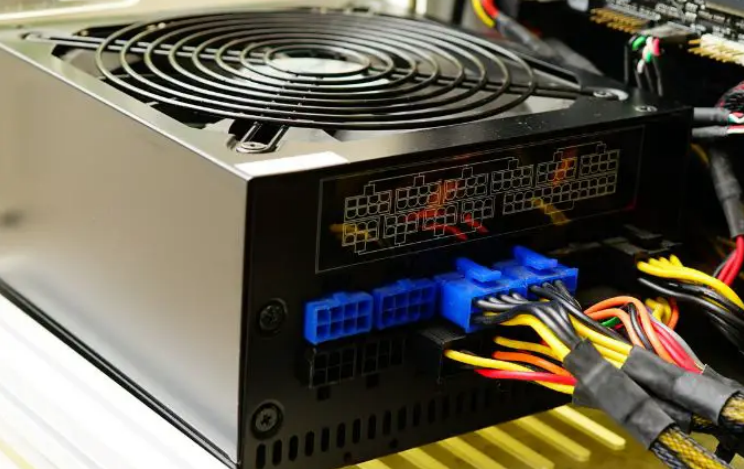
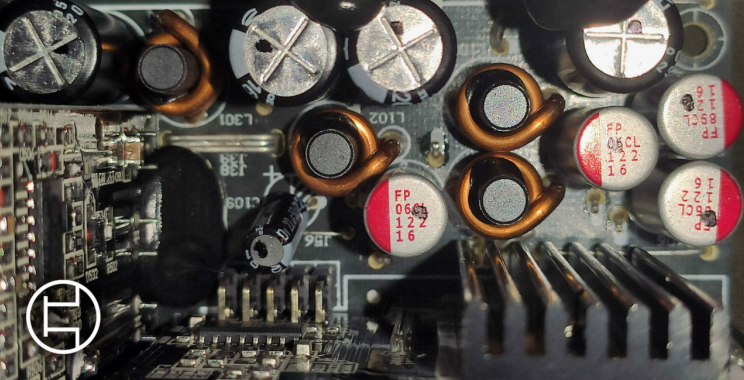
Power rails are separate circuits inside the power supply unit. The main rail provides twelve volts for graphics cards. Other rails supply five volts and three point three volts.
Each rail has its own current limit for safety. This separation helps manage power distribution in complex systems.
Benefits in High-Performance Systems
Multiple rails support powerful graphics cards without voltage drops. They keep the processor and memory stable during heavy loads. This design reduces interference between different components.
High-performance systems run smoother with dedicated power rails. They handle peak demands from modern gaming and editing tasks.
How Multiple Rails Manage Power
The power supply converts AC power and splits it across rails. Regulators maintain exact voltage on each individual rail. Current limits prevent overload on any single rail.
This balanced approach keeps the entire system stable. Multiple rails improve efficiency and reduce heat buildup.
Comparison with Single Rail Designs
Single rail power supplies put all power on one channel. Multiple rails offer better protection against short circuits. They provide more precise power delivery to components.
High-performance systems benefit from this advanced design. Many modern units use multiple rails for better results.
Importance for Gaming PCs
Gaming PCs need strong and stable power for graphics cards. Multiple rails prevent power drops during intense game moments. They support overclocking and high frame rates without issues.
This feature keeps temperatures lower during long sessions. Gamers enjoy smoother performance with multiple rail units.
Real Examples of Power Supply Units
Different computers need specific power supplies that match their exact requirements. Common replacement options by system include:
- Certain HP Pavilion models work with a 300W ATX replacement unit
- Dell OptiPlex desktops often require the 240W unit for Dell OptiPlex 390 790 990
- Higher performance Dell G5 systems may need a 500W PSU for Dell G5 models
You can find matching units for many other computer brands and models easily.
Choosing Multiple Rail Power Supplies
Check the total wattage and individual rail ratings carefully. Match the power supply to your graphics card requirements. Consider future upgrades when you select rail configuration.
Look for good efficiency ratings along with multiple rails. This choice ensures stable power for high-performance systems.
Common Issues with Multiple Rails
Some older multiple rail designs have lower current limits. This limitation can cause problems with very powerful cards. Modern units solve this with better rail management.
Users should check specifications before making a purchase. Proper selection avoids many common power delivery issues.
Maintenance for Multiple Rail Units
Keep the power supply clean to maintain good cooling. Ensure proper airflow inside the computer case. Monitor temperatures and listen for unusual fan noises.
Replace old units every four to five years. Regular care keeps multiple rail power supplies reliable.
Future of Multiple Rail Technology
New designs improve current sharing across multiple rails. They support higher power levels for next generation components. Efficiency continues to increase in modern multiple rail units.
This technology remains important for high-performance systems. Users benefit from stable and efficient power delivery.
Final Advice on Power Supply Choice
Understand your system power needs before selecting any unit. Choose multiple rail designs for demanding high-performance PCs. Match wattage and connectors to your exact components.
Buy quality units from trusted sources only. The right power supply keeps your system stable.
If you need a reliable replacement power supply check the options at 365PowerSupply.com.