What Are the Different Types of Power Supplies?
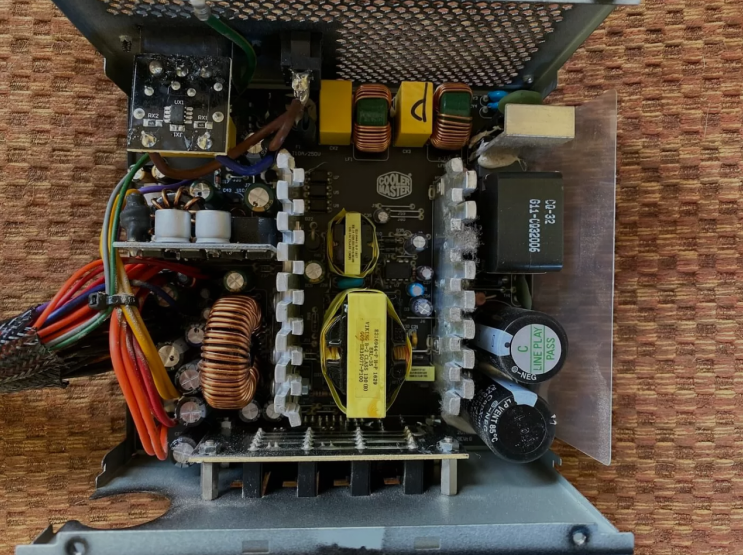
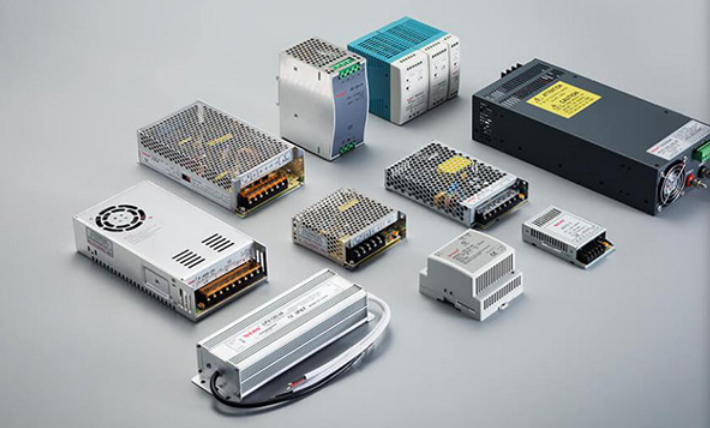
Power supply units come in many different types for computer systems in use today. People use various power supply designs depending on their computer size and specific needs. The type of power supply affects how well it fits inside the computer case. It also changes the amount of power available for all system components inside.
Why Power Supply Type Matters
Choosing the wrong type causes fit and performance problems in your system. A unit that does not match your case cannot install at all. The wrong wattage leads to shutdowns or damage over time.
Matching the type correctly gives your computer the stable power it needs. This step matters before every build or replacement project you start. Always check your case size and system requirements before buying a new unit.
ATX Power Supplies
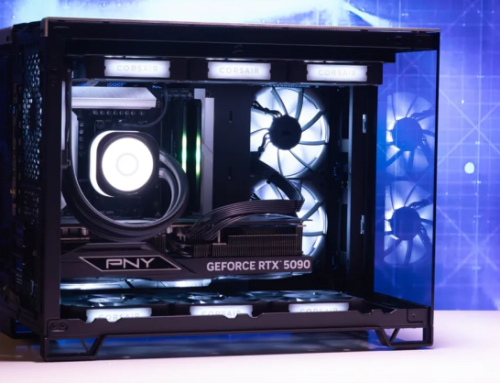
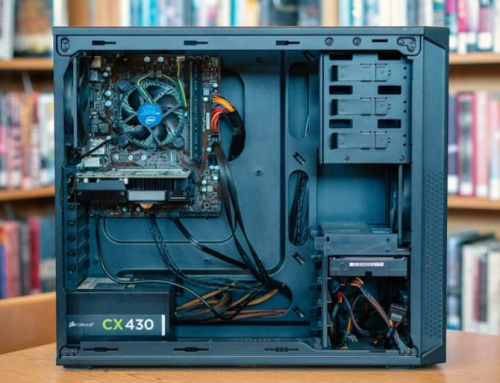
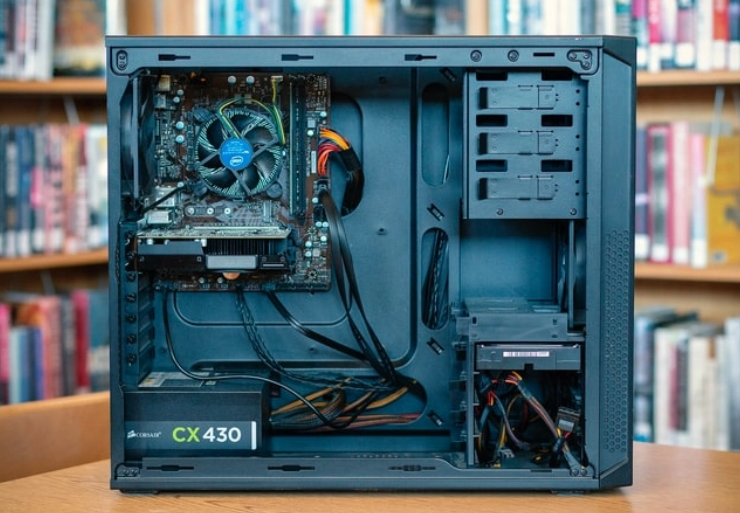
ATX power supplies represent the standard type for most regular desktop computers now. They have a standard size of about 150 mm in their width dimension. ATX units fit nicely in most full size and mid tower computer cases.
These power supplies provide enough power for normal home and office computer use. Many users choose ATX power supplies for their general computer builds at home.
SFX Power Supplies
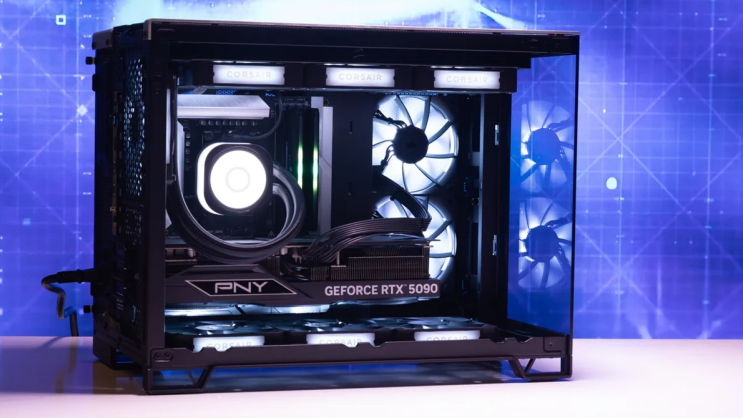
SFX power supplies have a much smaller size than standard power supply units. They fit into small form factor computer cases with very limited space available. SFX units deliver good power in a compact design for the users who need it. People select SFX power supplies when they want a tiny computer setup overall.
TFX Power Supplies
TFX power supplies give a good choice for slim and compact desktop computer systems now. They have a thin and long shape for narrow computer cases in use. TFX designs help computer makers save space inside the computer machine always. Some users prefer TFX power supplies for their specific system requirements in many cases.
Modular and Non-Modular Designs
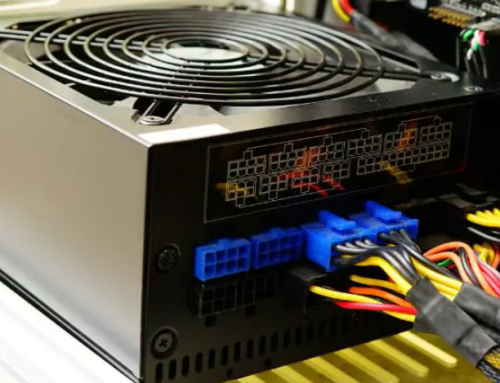
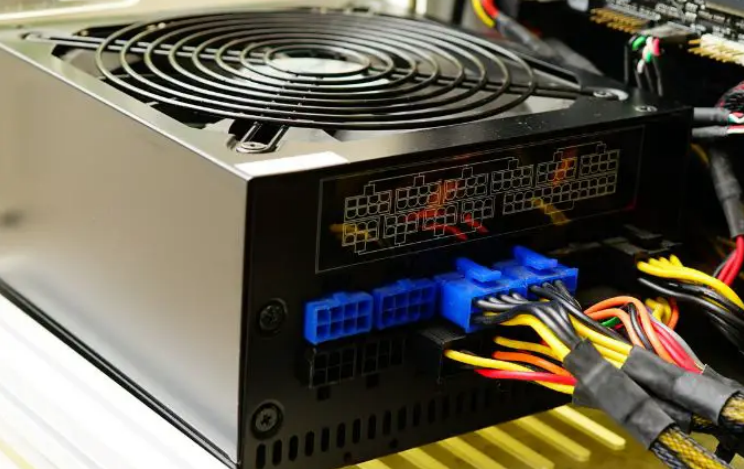
Power supplies also come in modular and non modular versions for users. Modular units let users remove extra cables for better cable management inside. Non modular power supplies have all cables attached in a fixed way always. Both designs work well but they serve different user preferences in practice.
Semi-Modular Power Supplies
Semi-modular power supplies offer a middle option between full modular and non modular designs. These units keep essential cables attached and let users remove the rest freely. This approach saves money compared to fully modular units in most cases.
Semi-modular designs work well for builders who want some cable control without full flexibility. Many mid range builds use this type for a clean and affordable setup.
External Power Supplies for Laptops
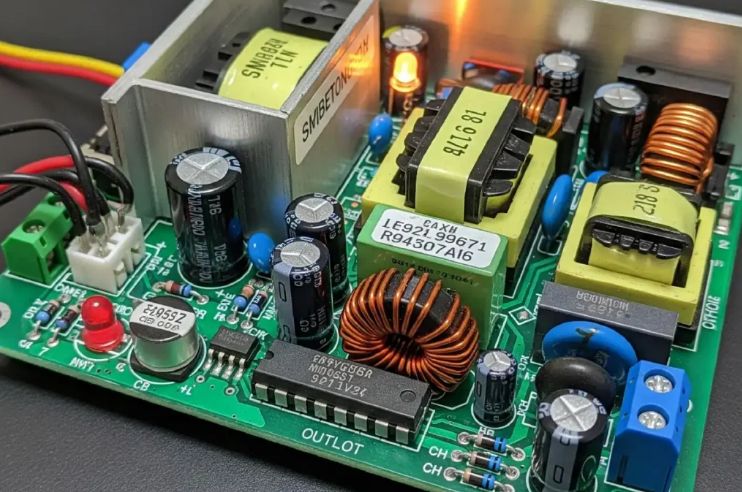
Laptop computers use external power supplies instead of internal units inside the body. These adapters convert wall power and send it through a cable to the device. The external design keeps the laptop body light and portable for daily use. Users can easily replace these power supplies when they stop working properly.
Proprietary Power Supplies
Some computer brands use special proprietary power supplies in their prebuilt machines only. These units only work with particular models from the same brand every time.
Common replacement options by system include:
- Certain HP Pavilion models work with a 300W ATX replacement unit
- Dell OptiPlex desktops often require the 240W unit for Dell OptiPlex 390 790 990
- Higher performance Dell G5 systems may need the 500W PSU for Dell G5 models
You can find matching units for many other computer brands and models easily. These units are available on 365PowerSupply.com for easy purchase too.
Choosing the Right Power Supply Type
You should match the power supply type to your computer model in an exact way. Check your case size before you select any new power supply unit for it. The right type keeps your computer running in a stable condition always.
Always verify the connectors and wattage rating for your system needs exactly. If you need a reliable replacement power supply check the options at 365PowerSupply.com.