What Are the Main Components Inside a Power Supply?
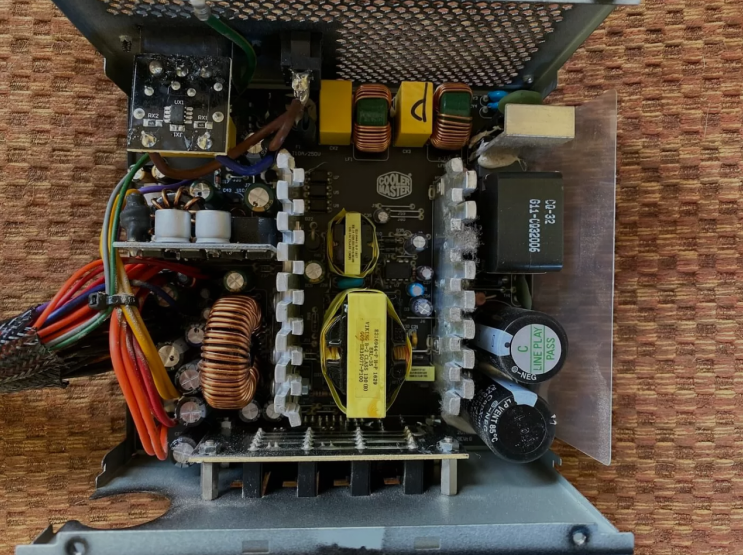
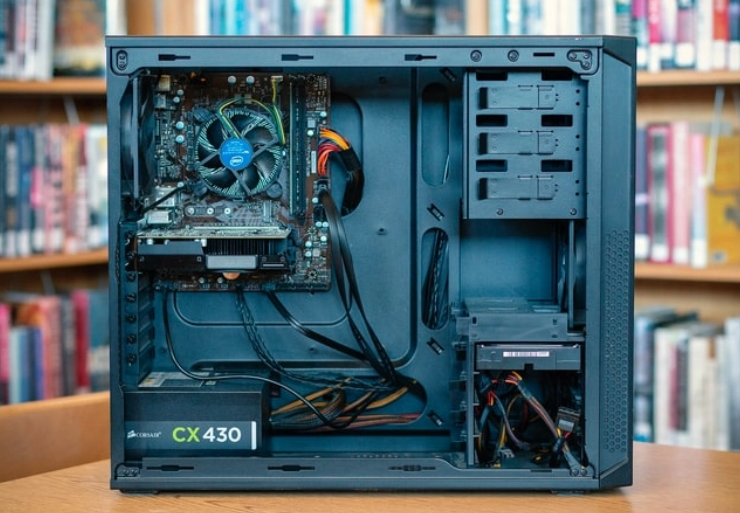
A power supply unit contains several important parts that work together every day. These parts help convert wall power into safe energy for computers. Each component has a specific job inside the power supply unit.
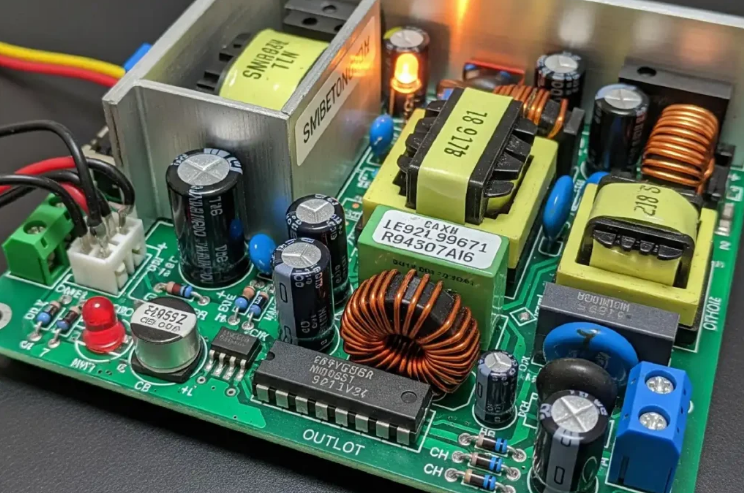
They ensure stable power reaches all devices without causing any damage.
The Transformer Component
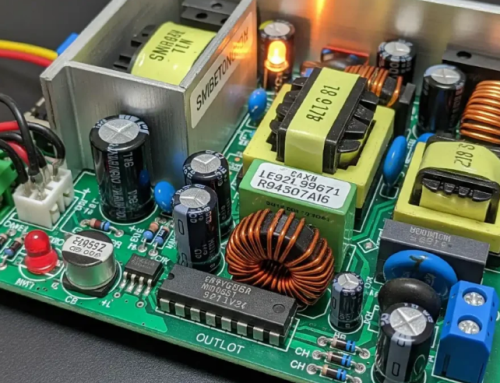
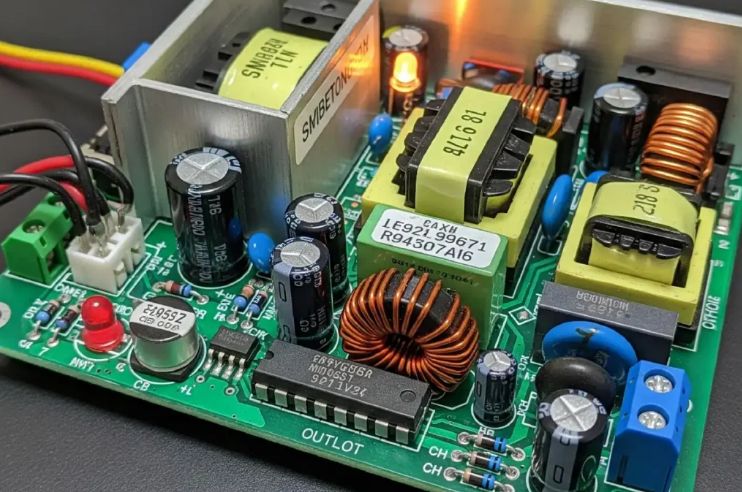
The transformer changes high voltage from the wall to lower levels inside. It steps down the electricity to amounts safe for computer parts. This component handles the first stage of power conversion carefully.
Transformers make sure the power supply operates without major issues.
Rectifier and Diodes
Rectifiers turn alternating current into direct current with the help of diodes. Diodes allow electricity to flow in one direction only inside the unit. These parts form the bridge that completes the AC to DC change.
Without rectifiers computers would receive the wrong type of power.
Capacitors for Smoothing Power
Capacitors store energy and smooth out voltage changes inside the unit. They remove ripples from the power after the rectification process. Large capacitors keep the output voltage steady during heavy use.
This stability protects sensitive chips from sudden power fluctuations always.
Transistors and Switching Circuits
Transistors control the flow of electricity at high speeds inside. They enable efficient switching technology in modern power supply designs. Switching circuits reduce energy waste and keep the unit cool.
These parts help the power supply deliver power in a smart way.
Voltage Regulation Components
Voltage regulators maintain exact output levels for twelve volts and others. They adjust power so each rail gives the correct amount always. Stable regulation prevents damage to the processor and memory chips.
The rails they regulate include:
- Five volts for USB ports and other system devices
- Three point three volts for sensitive circuits in the system
The Cooling Fan
The cooling fan removes heat from all working components inside the case. It keeps the power supply at safe temperatures during long operation. Fans run quietly in good units and prevent overheating problems.
Dust on the fan can reduce cooling and cause early failure.
Connectors and Wiring System
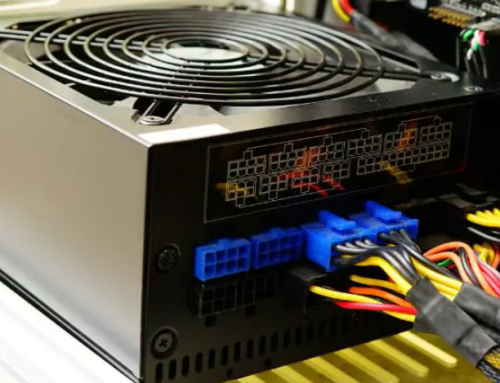
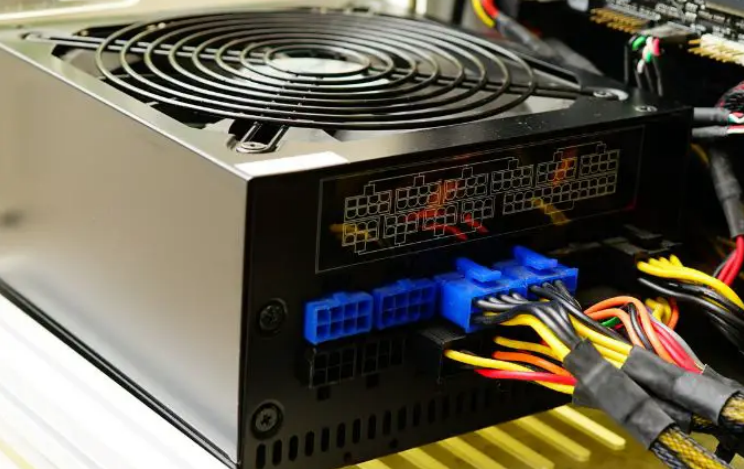
Connectors send power from the unit to the motherboard and drives. Wires carry twelve volts to graphics cards and storage devices. Proper connectors match the computer model for correct power delivery.
Bad connections can lead to system instability and random shutdowns.
Protection Circuits Inside
Protection circuits watch for overloads and short circuits all the time. They shut down the power supply to save other computer parts. Over voltage protection stops dangerous spikes from reaching components.
These safety features extend the life of the entire system.
Filter Components
Filters remove electrical noise from the power output signal. They improve the quality of power that reaches sensitive electronics. Clean power helps the computer run without interference or errors.
Good filters make the power supply more efficient and reliable overall.
Real Examples of Power Supplies
Different computers need specific power supplies that match their exact components. Common replacement options by system include:
- Certain HP Pavilion models work with a 300W ATX replacement unit
- Dell OptiPlex desktops often require the 240W unit for Dell OptiPlex 390 790 990
- Higher performance Dell G5 systems may need a 500W PSU for Dell G5 models
You can find matching units for many other computer brands and models easily.
How Components Work Together
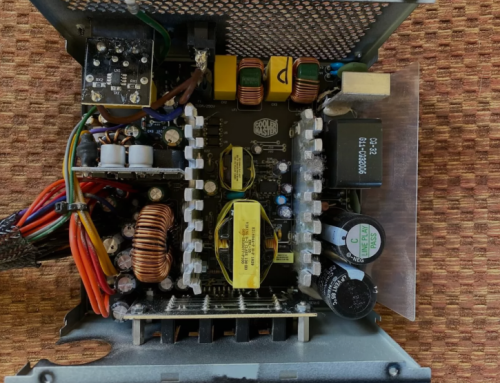
All components inside the power supply work as one complete system. The transformer starts the process and capacitors finish the smoothing. Regulators and protection circuits keep everything safe and stable always.
This teamwork delivers clean power to your computer without trouble.
Why Understanding Components Matters
Knowing the main parts helps users choose better replacement power supplies. It also explains why one unit lasts longer than another model. Quality components reduce the chance of sudden computer failures.
Users can spot problems early when they understand these parts well.
Maintenance of Internal Components
Keep dust away from internal components to maintain good performance. Clean the fan and vents regularly for proper cooling effect. Avoid opening the power supply unless you have expert knowledge.
Professional service keeps all components working in top condition.
Choosing a Power Supply with Good Parts
Select units that use high quality components from trusted makers. Check the label for proper ratings and efficiency levels too. A well built power supply with strong parts lasts many years.
This choice protects your computer investment for a long time.
If you need a reliable replacement power supply check the options at 365PowerSupply.com.