Why Is My Computer Power Supply Making a Clicking Noise?
A clicking noise from the power supply often signals internal problems. This sound comes from the fan or other moving parts inside. It warns you about possible failure in the near future.
Ignoring the noise can lead to sudden computer shutdowns. Early action helps prevent damage to other expensive components.
Common Causes of Clicking Sounds
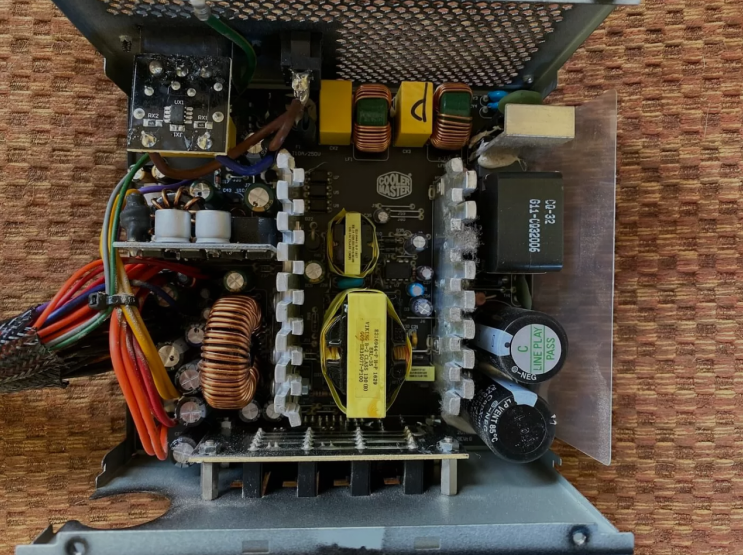
The fan bearings wear out after many hours of constant spinning. Dust buildup makes the fan blades hit the housing during rotation. Capacitors inside the unit can make clicking sounds when failing.
Loose wires or screws vibrate and create the clicking noise. These issues happen more often in older power supply units.
Why the Fan Causes Clicking
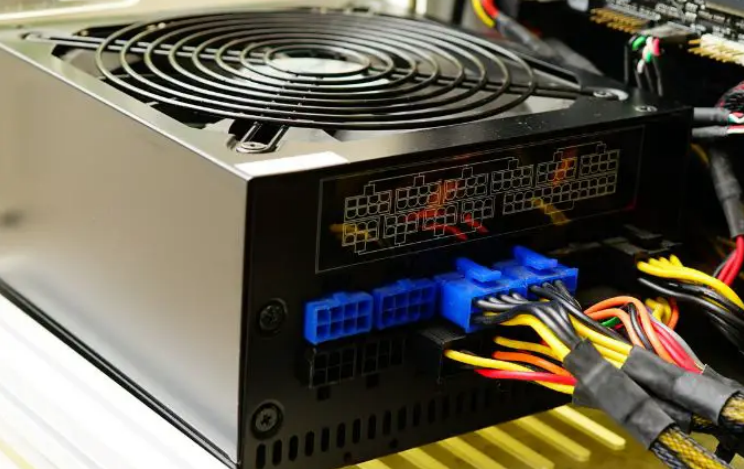
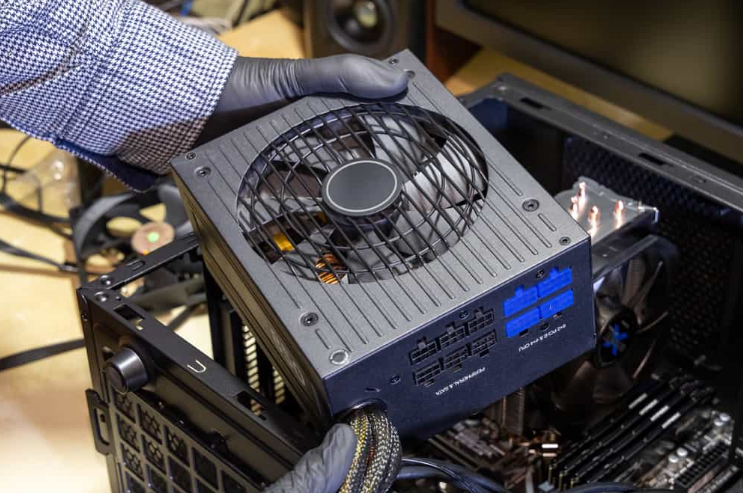
The cooling fan spins to remove heat from power supply components. Worn bearings make the fan wobble and produce clicking sounds. Dust and debris block smooth movement of the fan blades.
High temperatures speed up wear on the fan bearings. A noisy fan often means the power supply needs replacement soon.
Other Possible Reasons for Noise
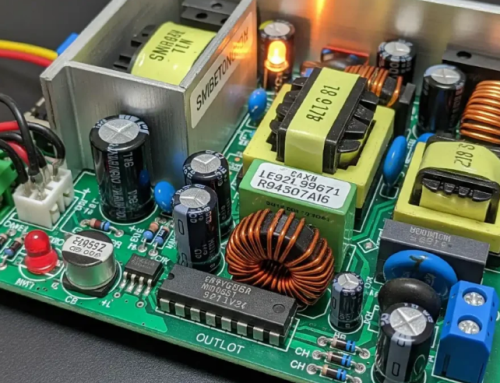
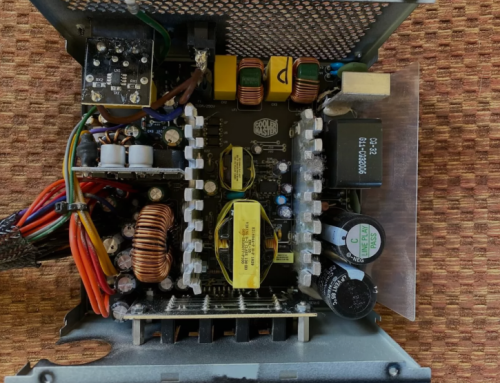
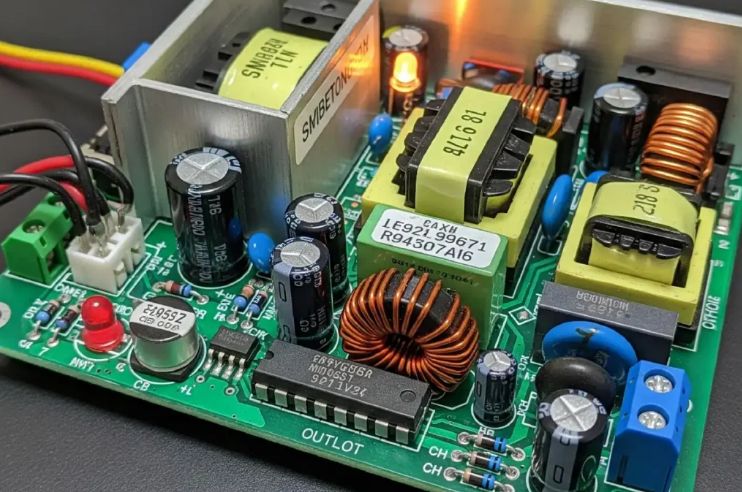
Electrical components like capacitors can expand and make noise. Vibrating transformers or coils create clicking during operation. Loose internal connections move and hit other parts inside.
Power surges damage components and cause unusual sounds. These problems show the unit struggles to work properly.
Risks of Ignoring the Noise
Continued use with a noisy power supply risks sudden failure. The unit may stop working and damage other computer parts. Overheating can spread to the motherboard and graphics card.
Data loss happens when the computer shuts down unexpectedly. Early replacement prevents costly repairs to the whole system.
How to Diagnose the Clicking Noise
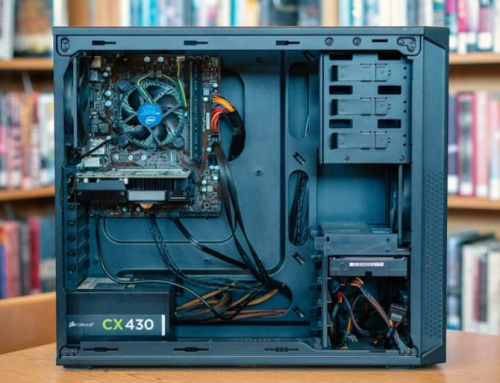
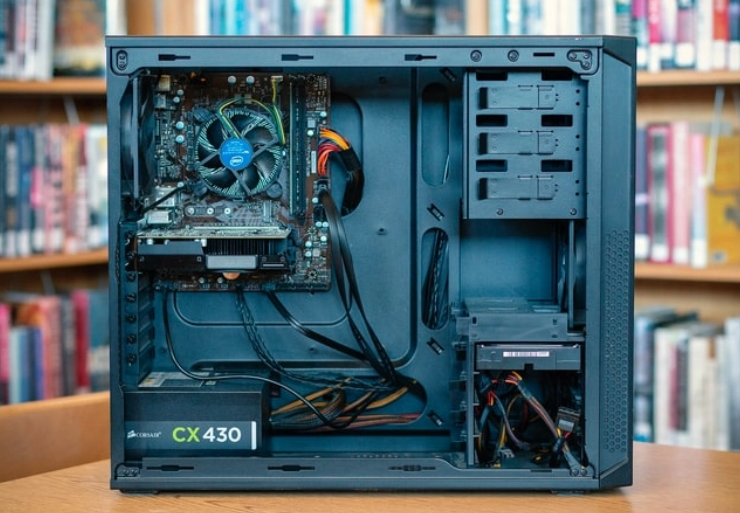
Unplug the computer from the wall outlet before any checks. Open the case side panel and listen near the power supply. Check for dust buildup around the fan and vents.
Use a flashlight to look for loose wires or damaged parts. Professional help gives the most accurate diagnosis of failure.
Real Examples of Power Supply Units
Different computers need specific power supplies that match their exact requirements. Common replacement options by system include:
- Certain HP Pavilion models work with a 300W ATX replacement unit
- Dell OptiPlex desktops often require the 240W unit for Dell OptiPlex 390 790 990
- Higher performance Dell G5 systems may need a 500W PSU for Dell G5 models
You can find matching units for many other computer brands and models easily.
When to Replace the Power Supply
Replace the unit when the clicking noise becomes constant. Change it if the computer shuts down or restarts randomly. Buy a new power supply with correct wattage and form factor.
Install the new unit carefully and test for stable operation. This step restores quiet and reliable power to your system.
Prevention Tips for Power Supply Noise
Keep the computer case clean to reduce dust on the fan. Ensure good airflow around the power supply in the case. Avoid overloading the power supply with too many components.
Replace old units every four to five years for safety. Regular maintenance prevents many common power supply problems.
Benefits of Timely Replacement
A new power supply eliminates the clicking noise completely. It provides stable power for all components in the system. Your computer runs cooler and quieter during daily use.
Timely replacement protects other parts from potential damage. This choice extends the overall life of your computer.
Choosing a New Power Supply
Calculate total power needs of your components before purchase. Select units with good efficiency ratings for lower costs. Match the form factor and connectors to your computer case.
Buy from trusted sources that test power supplies first. The right unit ensures quiet and reliable operation always.
Final Advice on Power Supply Noise
Listen carefully when you hear any unusual sounds from the unit. Take action quickly to avoid bigger problems in your PC. A good power supply keeps your computer stable and quiet.
Regular checks and maintenance prevent many noise issues. Replace failing units before they cause serious damage.
If you need a reliable replacement power supply check the options at 365PowerSupply.com.