Can a Low-Wattage Power Supply Damage My Computer?
A low-wattage power supply cannot meet the power needs of your computer. It struggles to deliver enough electricity during normal daily tasks. This shortage creates many serious problems for system components inside.
Your computer may face instability and sudden shutdowns without warning. Low wattage often leads to permanent damage in expensive parts.
How Low Wattage Causes Problems
The power supply works too hard when wattage stays too low. It fails to keep stable voltage for the processor and graphics card. Unstable power makes the system crash during normal operation.
Over time this stress damages sensitive chips and circuits inside. Low wattage reduces the total life of your computer system.
Risks to Key Computer Components
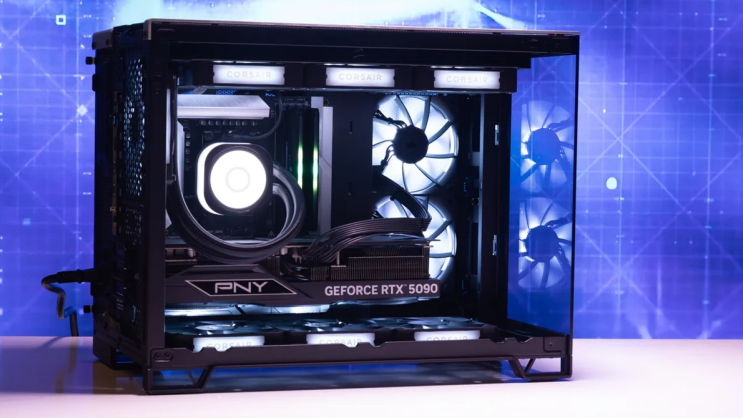
A low-wattage unit cannot support strong graphics cards properly. The graphics card draws more power than the unit can give. This situation causes screen artifacts and game crashes often.
The processor also suffers from insufficient power during heavy work. Hard drives and memory modules may fail without warning too.
Signs of Power Supply Issues
Your computer shuts down suddenly during normal or heavy use. The system restarts without any clear reason at all. You hear strange noises from the power supply fan area.
The PC refuses to start even when other parts look fine. These signs show the wattage may stay too low for safety.
Long Term Damage from Low Wattage
Low wattage creates constant stress on all internal components. This stress leads to early failure of the motherboard over time. Graphics cards can suffer permanent damage from power shortages.
Repair costs become very high after such problems appear. Users lose important data because of unexpected system crashes.
Why Proper Wattage Matters So Much
Correct wattage gives enough power for every component in the system. It keeps voltage levels steady during peak computer loads. This stability protects your investment in expensive computer parts.
A good power supply supports future upgrades without any trouble. Proper wattage improves overall performance and system reliability.
Real Examples of Power Supply Units
Different computers need specific power supplies that match their exact wattage requirements. Common replacement options by system include:
- Certain HP Pavilion models work with a 300W ATX replacement unit
- Dell OptiPlex desktops often require the 240W unit for Dell OptiPlex 390 790 990
- Higher performance Dell G5 systems may need a 500W PSU for Dell G5 models
You can find matching units for many other computer brands and models easily.
How to Check Your Current Wattage
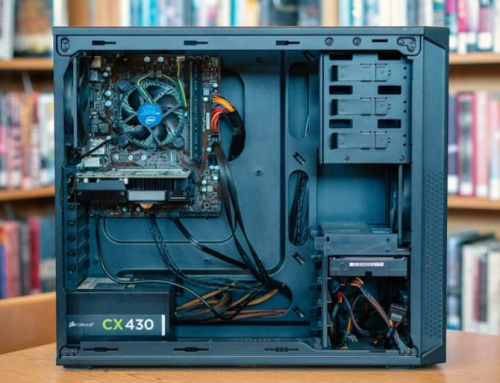
Look at the label on your existing power supply unit carefully. Note the total wattage number printed on the side label. Compare this number with the power needs of your components.
Use online calculators to find the exact wattage you require. Replace the unit if the current rating stays too low.
Tips to Avoid Damage
Always add extra margin when you calculate required wattage. Choose a power supply with higher wattage for safety always. Match the form factor and connectors to your computer model.
Buy from trusted sources that test units before shipping. This careful choice prevents many common power problems.
What to Do If Damage Occurs
Shut down the computer immediately when you notice power issues. Check all connections and test with a known good unit. Replace the low-wattage power supply with a suitable model.
Professional help may become necessary for serious component damage. Prevention works much better than expensive repairs later.
Choosing the Right Power Supply Now
Calculate total power needs before you buy any new unit. Select wattage with enough headroom for your current setup. Consider future upgrades when you decide the final wattage.
A proper power supply keeps your computer safe for years. This investment protects all other expensive parts inside.
If you need a reliable replacement power supply check the options at 365PowerSupply.com.