Can I Repair a Damaged Power Supply or Should I Replace It?
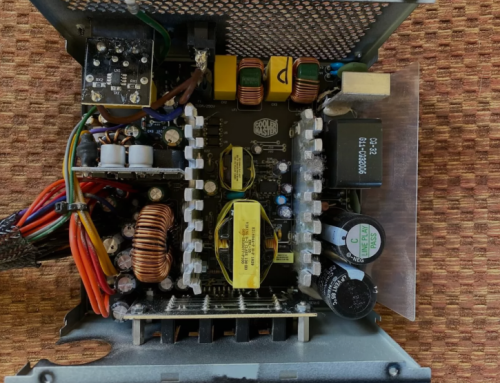
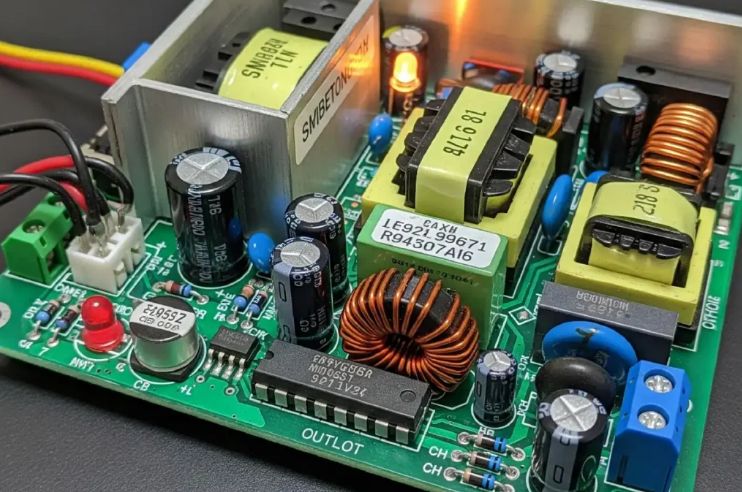
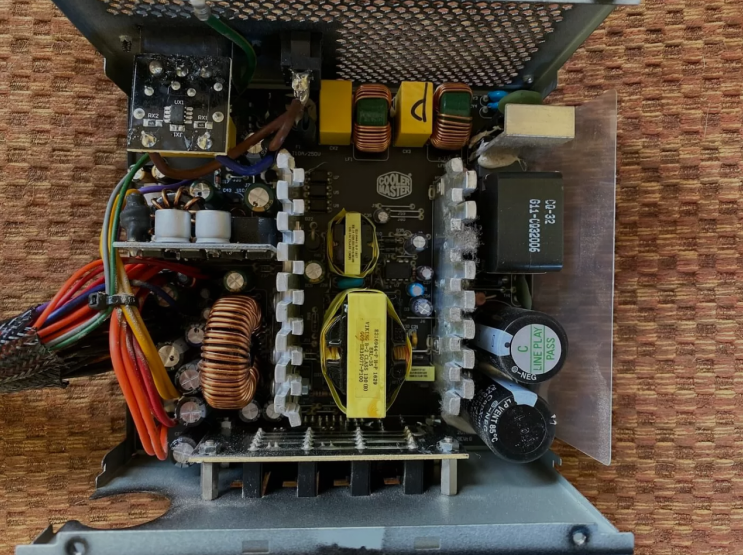
Repairing a damaged power supply involves opening the unit and fixing parts. This process requires special tools and electrical knowledge. Most users should replace the unit instead of attempting repairs.
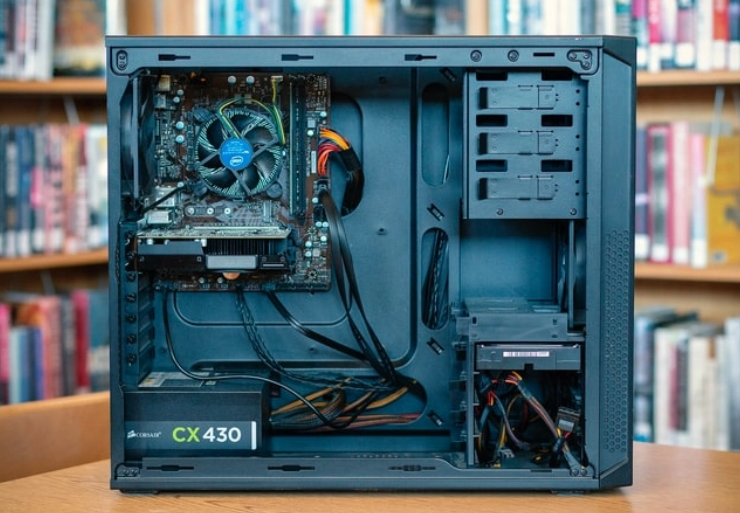
Replacement offers safer and more reliable results always. Understanding both options helps you make the best decision.
Risks of Repairing a Power Supply
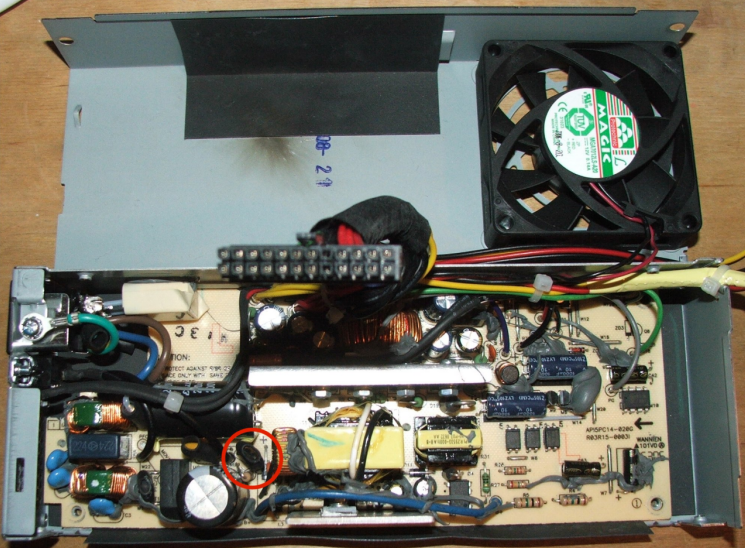
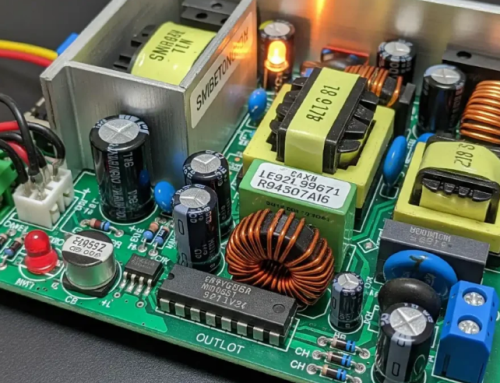
Opening the power supply exposes you to dangerous high voltage. Capacitors can hold charge even after you unplug the unit. Wrong repairs create new problems or cause complete failure.
Safety risks include electrical shock and fire hazards. Amateur repairs often void any remaining warranty too.
When Simple Repairs May Work
Dust cleaning sometimes solves fan noise and overheating issues. Tightening loose screws or cables can fix minor vibration problems. These basic steps require no opening of the power supply.
They work for surface level problems without internal access. Always unplug the computer before any cleaning or checks.
Why Replacement Is Usually Better
New power supplies come with fresh components and warranties. They offer better efficiency and modern safety features. Replacement takes less time than careful internal repairs.
It eliminates guesswork about hidden damage inside the unit. New units provide reliable power for your computer system.
Cost Comparison Between Repair and Replacement
Professional repair costs often approach the price of a new unit. Replacement units give full warranty and tested performance. DIY repairs risk additional damage and higher future costs.
A new power supply saves time and provides peace of mind. This choice protects your computer from unexpected failures.
Safety Considerations for Both Options
Power supplies contain high voltage even when unplugged. Only experienced technicians should attempt internal repairs. Replacement avoids all safety risks for average users.
Follow proper procedures when you install any new unit. Safety should always come first with power supply work.
Real Examples of Power Supply Units
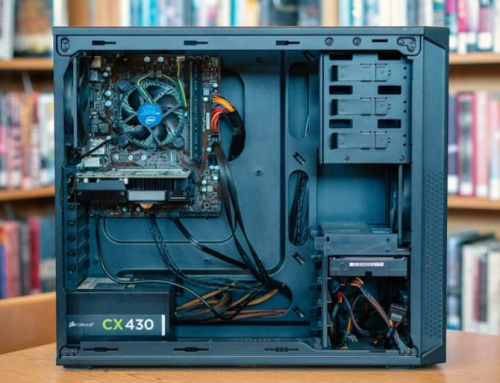
Different computers need specific power supplies that match their exact requirements. Common replacement options by system include:
- Certain HP Pavilion models work with a 300W ATX replacement unit
- Dell OptiPlex desktops often require the 240W unit for Dell OptiPlex 390 790 990
- Higher performance Dell G5 systems may need the 500W PSU for Dell G5 models
You can find matching units for many other computer brands and models easily.
When to Consider Professional Repair
Severe damage or specific high end units may need expert repair. Professional technicians have proper tools and safety equipment. They can test and replace individual faulty components.
This option works for rare or expensive custom power supplies. Most standard units cost less to replace than repair.
Steps for Safe Replacement
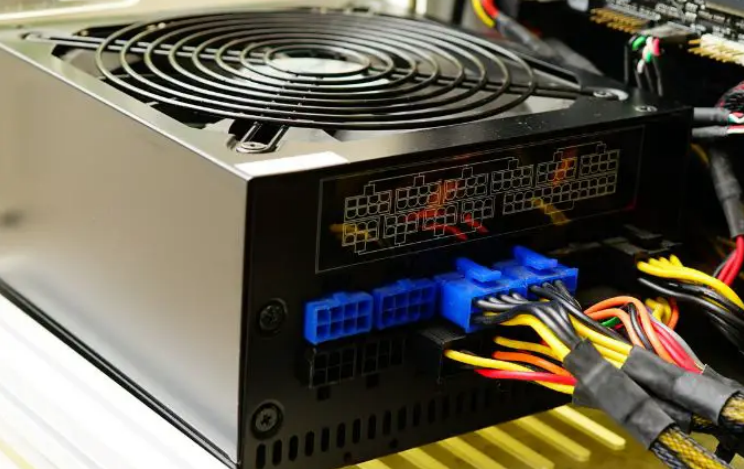
Unplug the computer from the wall outlet first. Remove the old power supply from the computer case. Install the new unit with correct connectors and screws.
Test the system for stable operation after installation. This process restores reliable power to your computer.
Benefits of Replacing Instead of Repairing
New power supplies come with full manufacturer warranties. They offer improved efficiency and modern safety features. Replacement eliminates hidden damage from the old unit.
It provides peace of mind for long term computer use. This choice often costs less than professional repairs.
Prevention Tips to Avoid Damage
Keep the computer case clean to reduce dust buildup. Use surge protectors to guard against voltage spikes. Avoid overloading the power supply with too many parts.
Replace old units every four to five years. Good maintenance prevents many common power supply problems.
Final Advice on Power Supply Decisions
Replace most damaged power supplies instead of attempting repairs. This choice is safer and more reliable for average users. Calculate wattage needs before you buy any new unit.
Buy quality power supplies from trusted sources only. Proper selection keeps your computer running smoothly.
If you need a reliable replacement power supply check the options at 365PowerSupply.com.